> ## Documentation Index
> Fetch the complete documentation index at: https://docs.nimbleway.com/llms.txt
> Use this file to discover all available pages before exploring further.
# Databricks
> Bring Nimble's live web tools into the Databricks Lakehouse. Search, extract, map, crawl, and Web Search Agents run next to your Delta tables, agents, and Genie spaces.
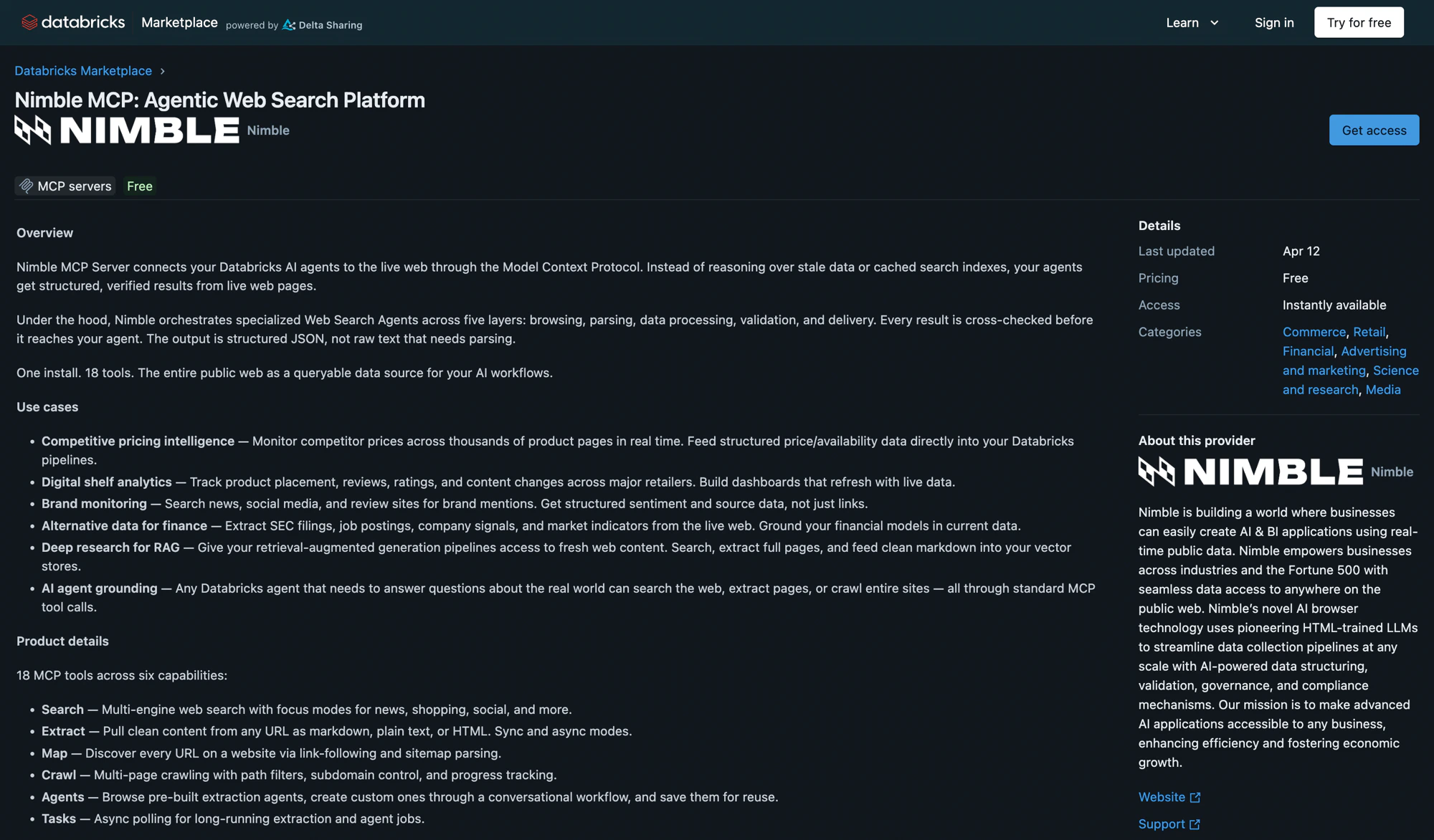
Nimble brings the live web into the Databricks Lakehouse. Search, page extraction, site maps, crawls, and Web Search Agents sit alongside your Delta tables, Unity Catalog governance, and AI agents — so the AI you build inside Databricks can ground its answers in current external signal, not just historical data.
 ## Why web data belongs next to the Lakehouse
Databricks is great at orchestrating the data you already own. But the world your data describes lives outside the Lakehouse, and most of the questions stakeholders actually ask need both. Nimble closes that gap without leaving the Databricks ecosystem:
* **Enrich Delta tables in place.** Pull current company metadata, product details, or pricing for the rows in a Unity Catalog table, and land the results straight back as a governed Delta table.
* **Ground agents in live signal.** Give a Databricks-hosted agent the same Nimble tools you'd use yourself, so it can research, verify, and gather external context as part of its workflow.
* **Govern every web call.** Route Nimble through Unity AI Gateway so every request inherits Databricks-native audit, lineage, and access control.
* **Stay in SQL.** Call Nimble as table functions inside any `SELECT`, so notebooks, dashboards, dbt models, Workflows, and Genie consume the output transparently.
## Pick a surface
Install Nimble MCP Server from the Databricks Marketplace as a one-click Unity Catalog connection. Govern it with Unity AI Gateway, then test it in AI Playground and Databricks Assistant. The install foundation every other surface builds on.
Ask the live web in plain English from Genie One. Enable the Nimble MCP connection and business users get cited, web-grounded answers — no SQL, no notebook. The natural-language surface for the whole integration.
Call Nimble as SQL-native table functions in Unity Catalog. `nimble_search`, `nimble_extract`, and `nimble_agent_run` run live web search inside a `SELECT` and land results in governed Delta tables — dbt-native, Workflow-native, Genie-native.
Turn a plain-English brief into a full data product inside Genie Code, Databricks' agentic coding agent. Install the Nimble custom skill and it discovers the right agents, ingests live web data into Delta, and builds a dashboard or app — end to end. The "never leave Databricks" build surface.
## When to use which surface
The Databricks integration spans four surfaces over one Nimble connection. Pick by question:
| You want to… | Use | Page |
| ----------------------------------------------------------------------------------------------------------------- | ----------------------------------------------------------------------------------- | -------------------------------------------------------------------------- |
| Give an agent, AI Playground, or Databricks Assistant live web tools through a governed MCP connection | **Marketplace & MCP** install | [Marketplace & MCP](/integrations/partnerships/databricks/marketplace-mcp) |
| Let a business user ask live-web questions in plain English and get cited answers | **Genie One** + the Nimble MCP connection | [Genie One](/integrations/partnerships/databricks/genie) |
| Enrich N warehouse rows with structured web fields, or land web data in Delta tables — in pure SQL | **`nimble_search`** / **`nimble_extract`** / **`nimble_agent_run`** table functions | [Data Enrichment](/integrations/partnerships/databricks/data-enrichment) |
| Turn a plain-English brief into a full data product — table, dashboard, and app — inside the agentic coding agent | **Genie Code** + the Nimble custom skill | [Genie Code](/integrations/partnerships/databricks/genie-code) |
All four share the same Nimble platform underneath — the difference is who drives the calls: an LLM agent (MCP), a business user in natural language (Genie One), your SQL pipeline (table functions), or an agentic coding agent that builds the whole product (Genie Code).
## Resources
Install Nimble MCP Server directly from the Marketplace
Full MCP Server setup for Cursor, Claude, and other clients
Databricks documentation for external MCP server connections
Overview of WSAs — what they are, when to use them, how they parse
## Why web data belongs next to the Lakehouse
Databricks is great at orchestrating the data you already own. But the world your data describes lives outside the Lakehouse, and most of the questions stakeholders actually ask need both. Nimble closes that gap without leaving the Databricks ecosystem:
* **Enrich Delta tables in place.** Pull current company metadata, product details, or pricing for the rows in a Unity Catalog table, and land the results straight back as a governed Delta table.
* **Ground agents in live signal.** Give a Databricks-hosted agent the same Nimble tools you'd use yourself, so it can research, verify, and gather external context as part of its workflow.
* **Govern every web call.** Route Nimble through Unity AI Gateway so every request inherits Databricks-native audit, lineage, and access control.
* **Stay in SQL.** Call Nimble as table functions inside any `SELECT`, so notebooks, dashboards, dbt models, Workflows, and Genie consume the output transparently.
## Pick a surface
Install Nimble MCP Server from the Databricks Marketplace as a one-click Unity Catalog connection. Govern it with Unity AI Gateway, then test it in AI Playground and Databricks Assistant. The install foundation every other surface builds on.
Ask the live web in plain English from Genie One. Enable the Nimble MCP connection and business users get cited, web-grounded answers — no SQL, no notebook. The natural-language surface for the whole integration.
Call Nimble as SQL-native table functions in Unity Catalog. `nimble_search`, `nimble_extract`, and `nimble_agent_run` run live web search inside a `SELECT` and land results in governed Delta tables — dbt-native, Workflow-native, Genie-native.
Turn a plain-English brief into a full data product inside Genie Code, Databricks' agentic coding agent. Install the Nimble custom skill and it discovers the right agents, ingests live web data into Delta, and builds a dashboard or app — end to end. The "never leave Databricks" build surface.
## When to use which surface
The Databricks integration spans four surfaces over one Nimble connection. Pick by question:
| You want to… | Use | Page |
| ----------------------------------------------------------------------------------------------------------------- | ----------------------------------------------------------------------------------- | -------------------------------------------------------------------------- |
| Give an agent, AI Playground, or Databricks Assistant live web tools through a governed MCP connection | **Marketplace & MCP** install | [Marketplace & MCP](/integrations/partnerships/databricks/marketplace-mcp) |
| Let a business user ask live-web questions in plain English and get cited answers | **Genie One** + the Nimble MCP connection | [Genie One](/integrations/partnerships/databricks/genie) |
| Enrich N warehouse rows with structured web fields, or land web data in Delta tables — in pure SQL | **`nimble_search`** / **`nimble_extract`** / **`nimble_agent_run`** table functions | [Data Enrichment](/integrations/partnerships/databricks/data-enrichment) |
| Turn a plain-English brief into a full data product — table, dashboard, and app — inside the agentic coding agent | **Genie Code** + the Nimble custom skill | [Genie Code](/integrations/partnerships/databricks/genie-code) |
All four share the same Nimble platform underneath — the difference is who drives the calls: an LLM agent (MCP), a business user in natural language (Genie One), your SQL pipeline (table functions), or an agentic coding agent that builds the whole product (Genie Code).
## Resources
Install Nimble MCP Server directly from the Marketplace
Full MCP Server setup for Cursor, Claude, and other clients
Databricks documentation for external MCP server connections
Overview of WSAs — what they are, when to use them, how they parse