

Supported Surfaces
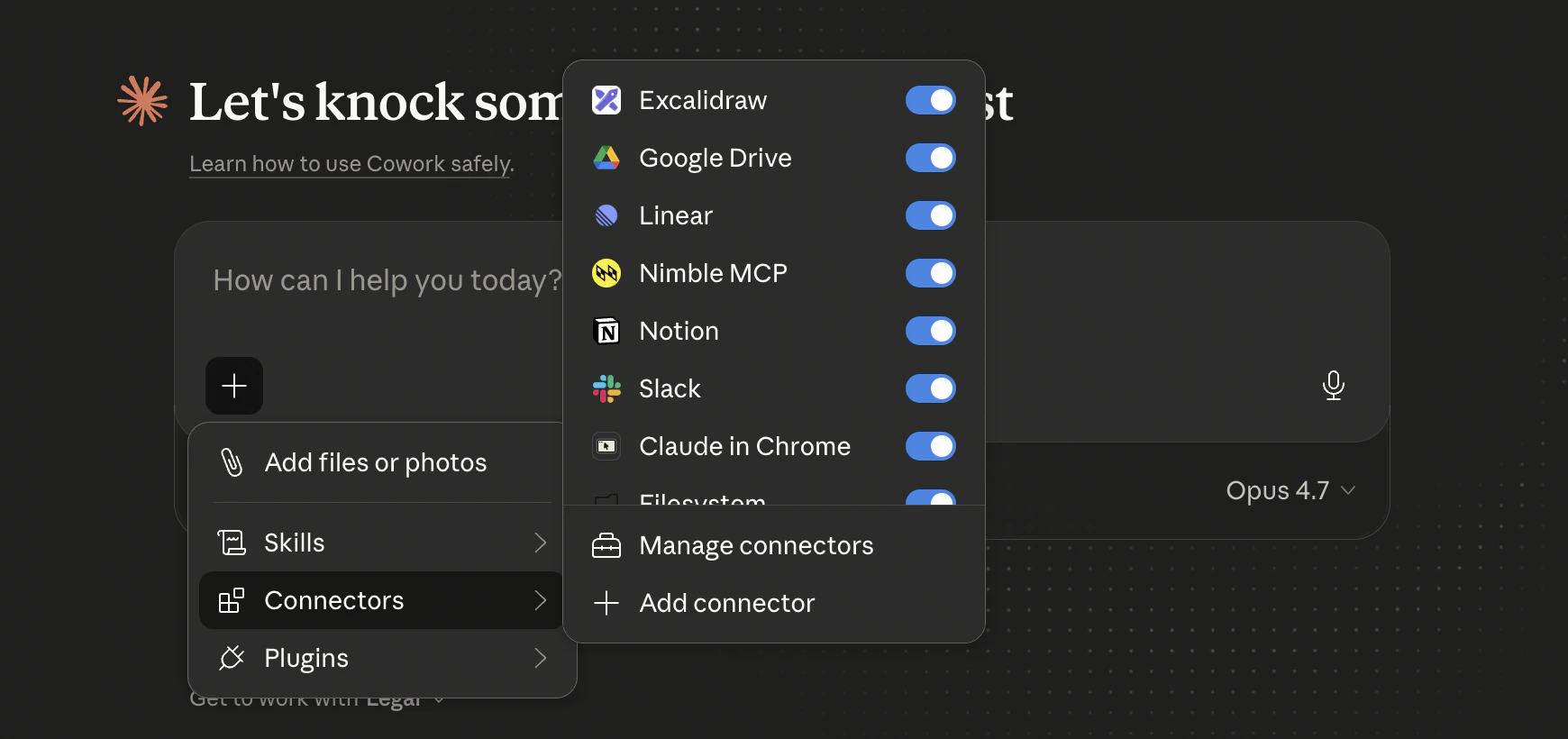
Custom connectors work across Anthropic’s products:- Claude.ai (web)
- Claude Desktop (macOS, Windows)
- Claude Code
- Claude Cowork
Prerequisites
- A Claude.ai account on a plan that supports connectors (Pro, Max, Team, or Enterprise).
- A Nimble account — sign in via OAuth during setup. No API key needed.
Installation
1
Open Connectors settings
In Claude.ai, navigate to Customize > Connectors.
2
Add a custom connector
Click the + button, then choose Add custom connector.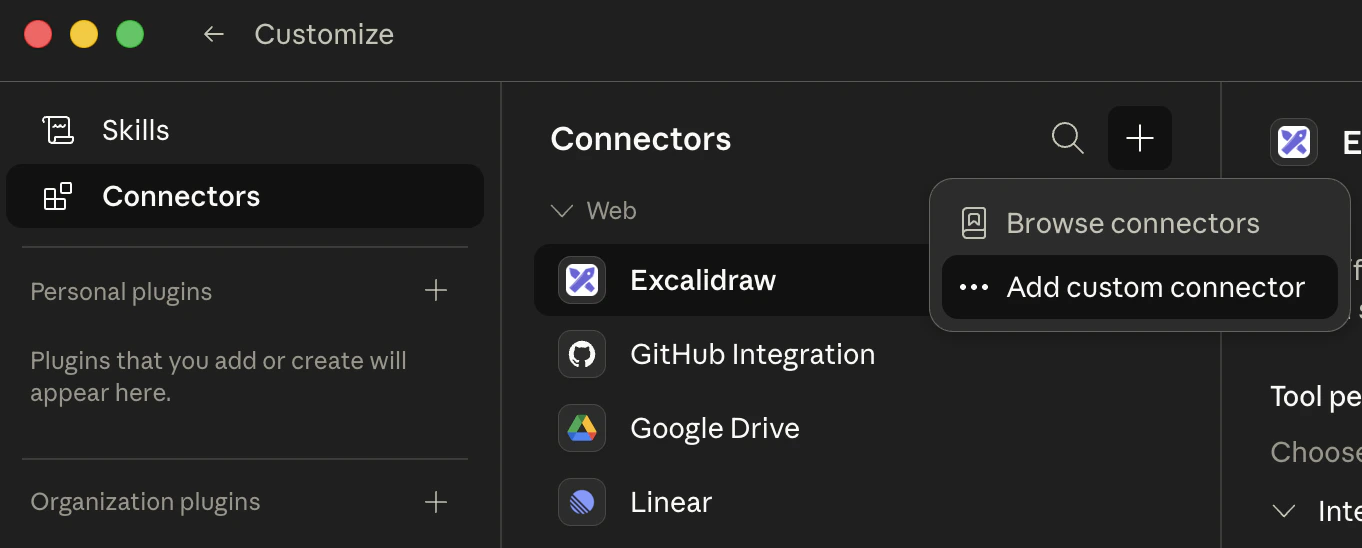
3
Enter the Nimble MCP details
Give the connector a name (e.g. 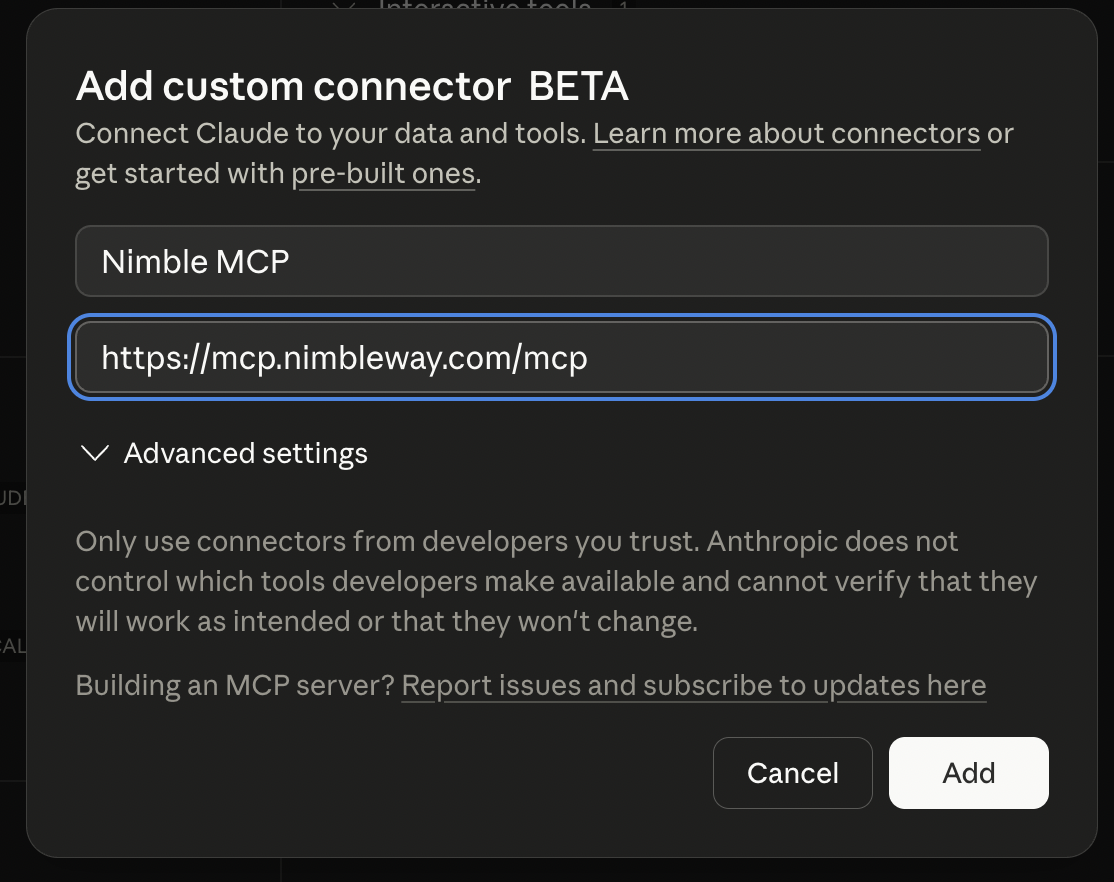
Nimble MCP) and set the remote MCP server URL to:4
Finish adding the connector
Click Add. The Nimble connector now appears in your connectors list with a 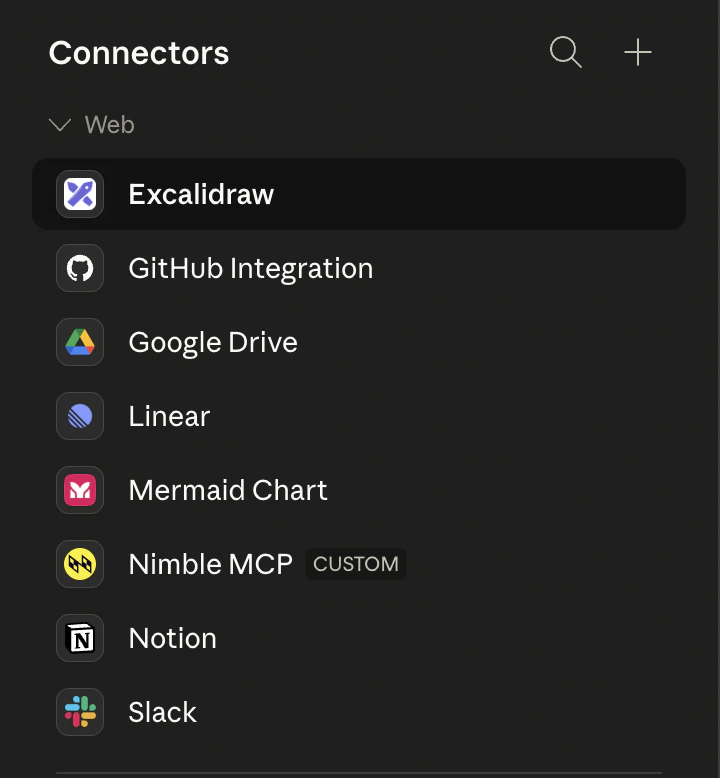
CUSTOM badge.5
Connect with OAuth
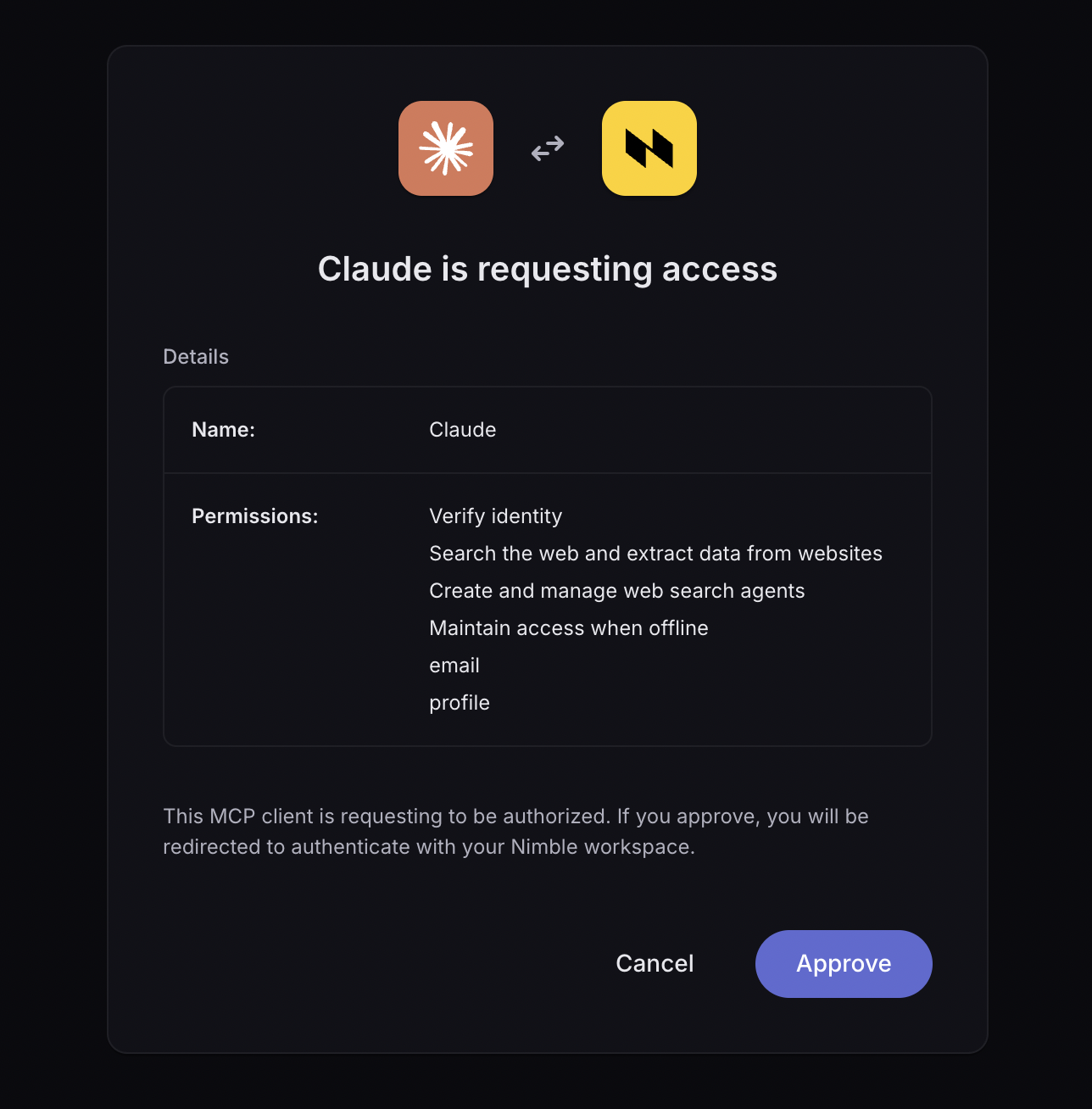
Open the new Nimble MCP connector and click Connect.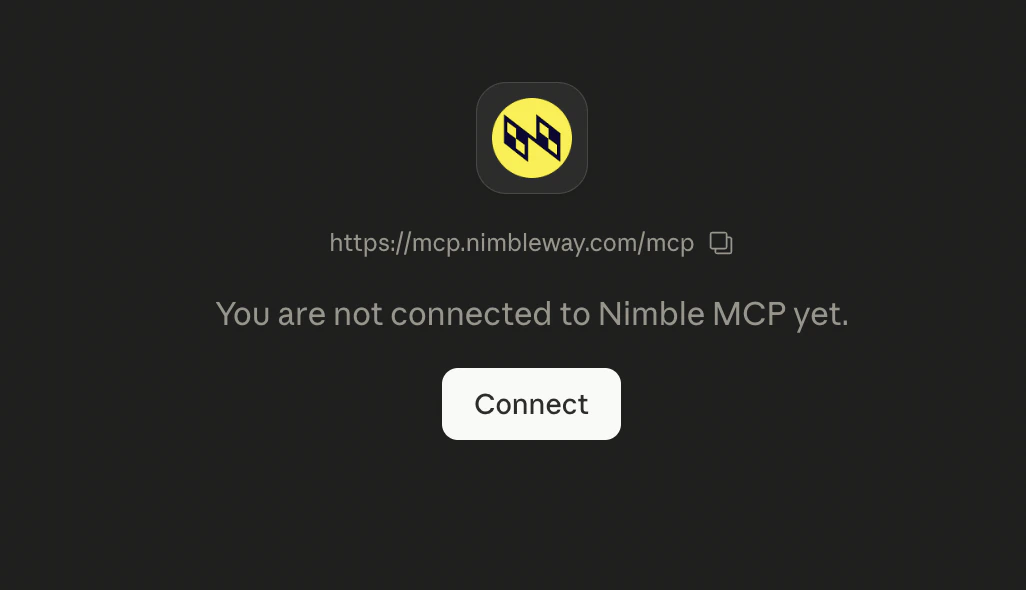
Tools
Once connected, Claude calls any of the Nimble MCP server’s tools automatically, based on the user’s prompt.Power Your Flow with Nimble Agent Skills
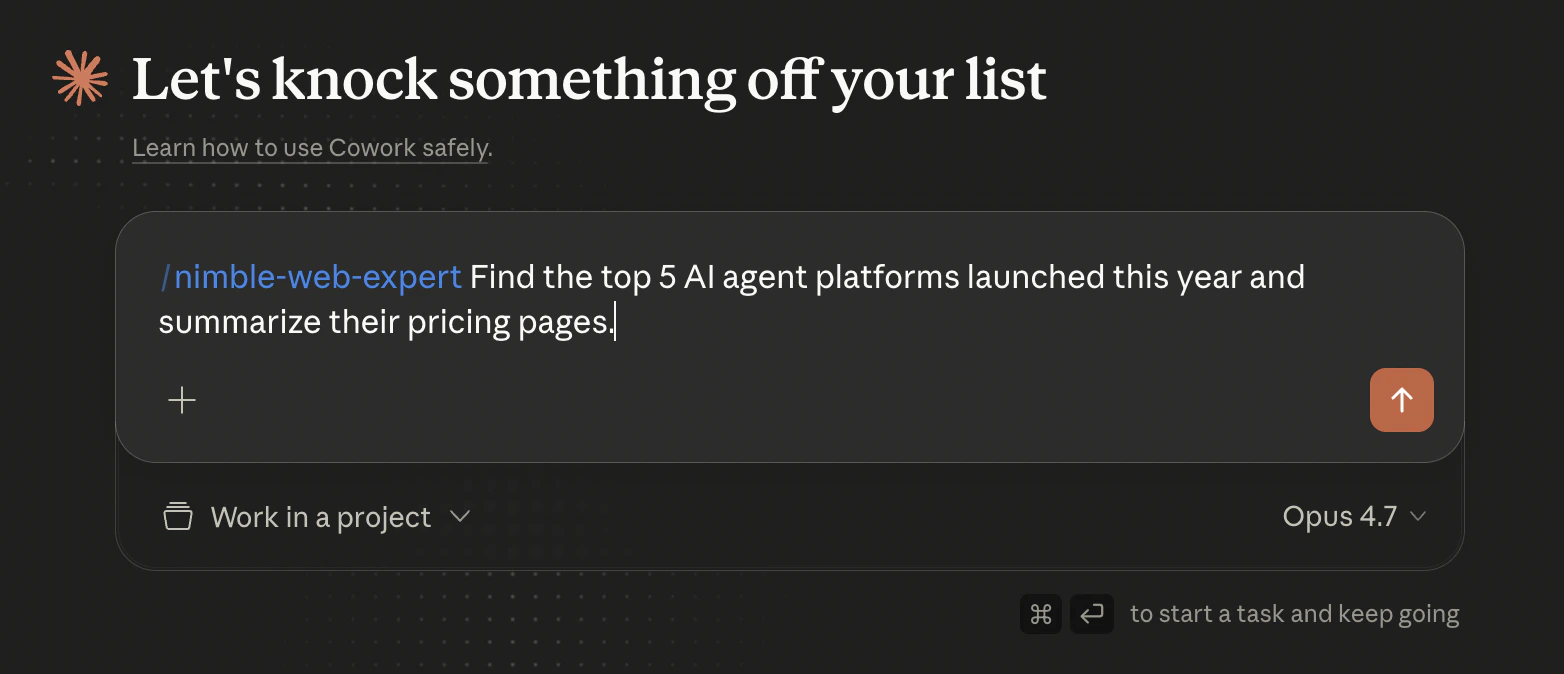
Nimble is an official Anthropic plugin partner. The Nimble plugin ships in Claude’s Anthropic & Partners directory and bundles the MCP server with a curated set of agent skills — opinionated workflows that guide Claude through the most common web data jobs (research, scraping, mapping, and crawling) so you get the best of Nimble’s Web Tools without writing a prompt from scratch. Once installed, just type/ in any new task to invoke a skill directly:
Install the Nimble plugin
1
Open the plugin directory
From either the Cowork or Claude Code tab in Claude Desktop, click Customize in the left sidebar, then click Browse plugins to open the Directory.
2
Find Nimble
Switch to the Plugins tab, select Anthropic & Partners, and search for 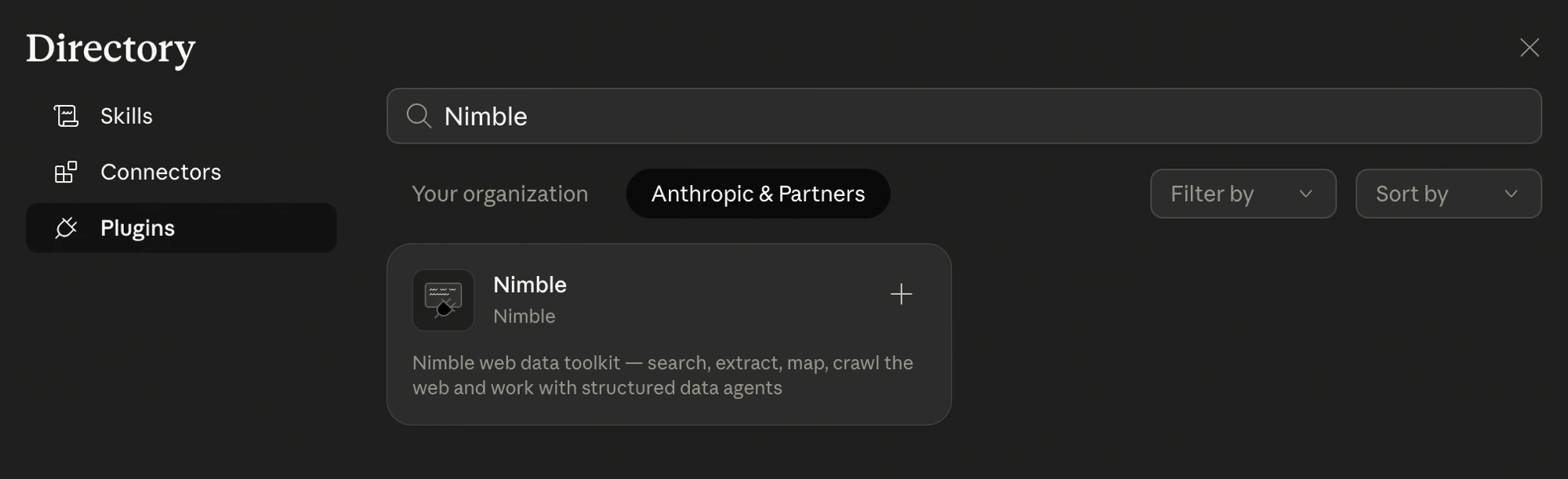
Nimble.3
Install
Click the Nimble card to open its details, then click Install. The plugin saves locally on your machine and the bundled MCP server, agent skills, and sub-agents register automatically.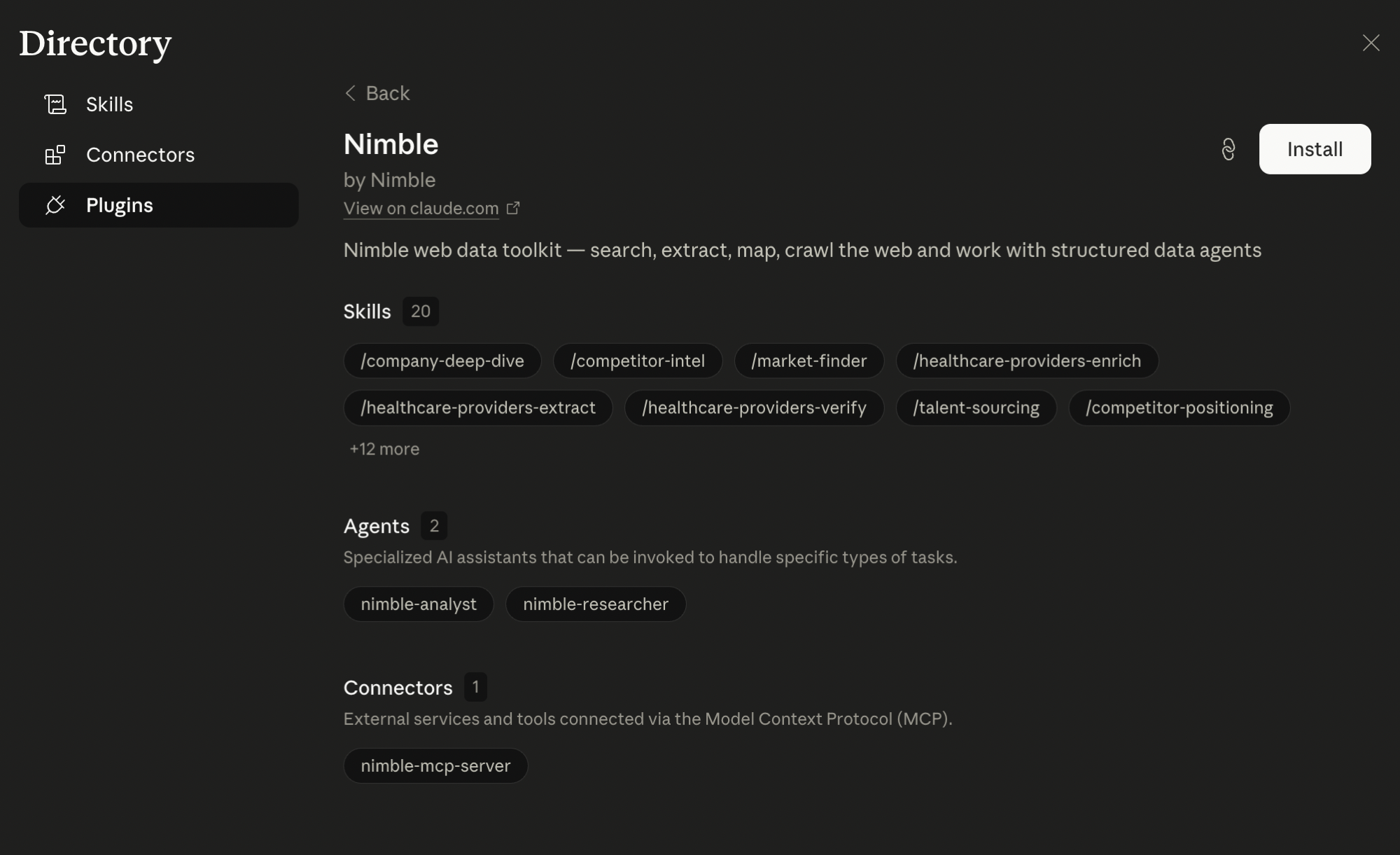
4
Use the bundled skills
Once installed, Nimble’s agent skills are available across your conversations. Type 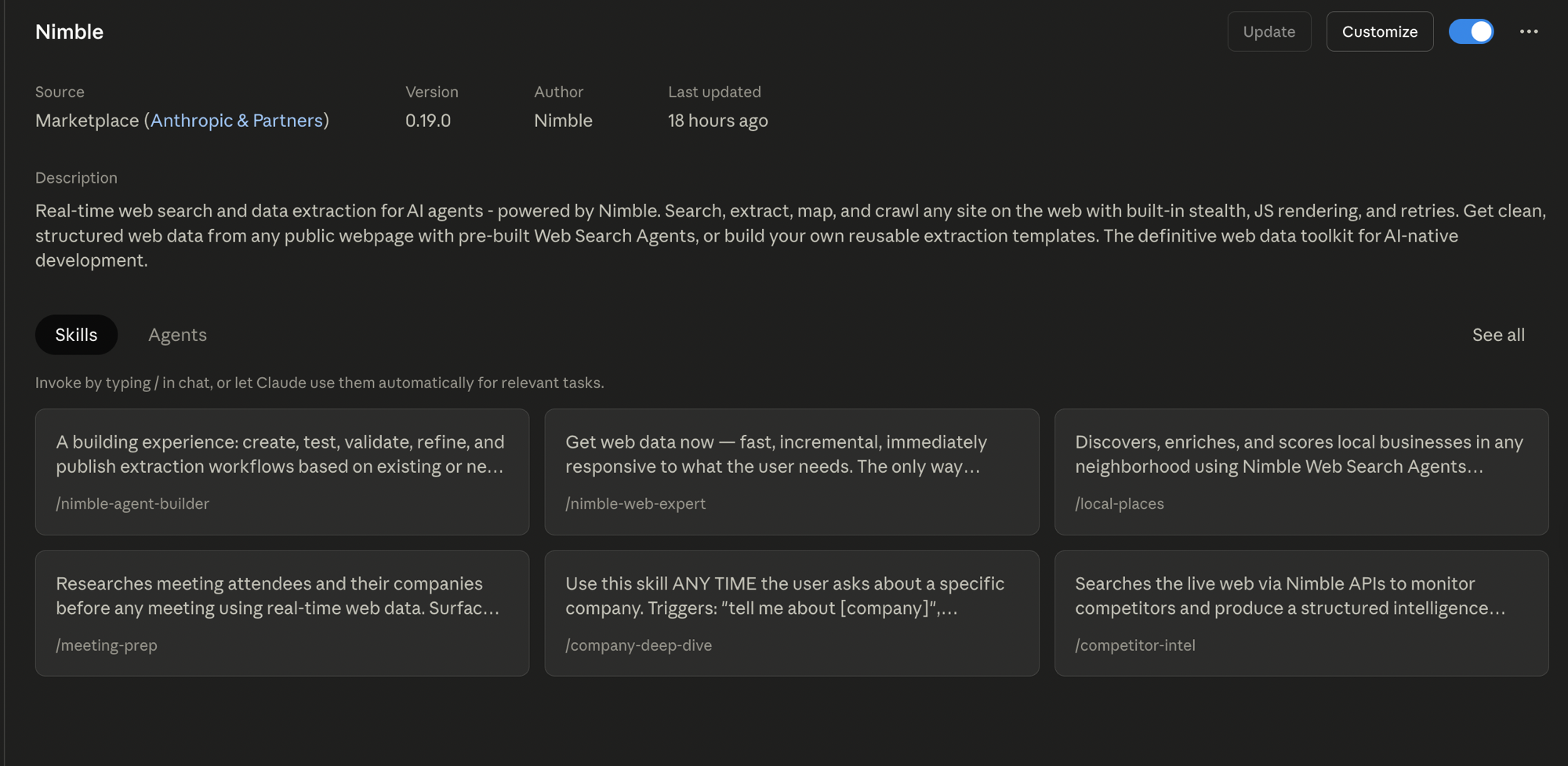
/ in chat to browse them, or let Claude invoke them automatically based on your prompt.How It Works
1
You ask Claude something
Type a prompt that needs live web data. Claude detects when the Nimble connector can help.
2
Claude calls Nimble
Claude routes the request to the Nimble MCP server, which runs the search, extraction, or crawl in real time.
3
Claude answers
Results return to the conversation as structured data Claude can quote, cite, or summarize.
Example Prompts
Live competitor research
Live competitor research
“Find the top 5 AI agent platforms launched this year and summarize their pricing pages.”Claude calls
nimble_search for the list, then nimble_extract on each pricing page, then summarizes.Site-wide content audit
Site-wide content audit
“Crawl docs.example.com and list every page that mentions ‘rate limits.’”Claude calls
nimble_crawl with a path filter, then surfaces matches with URLs.One-shot extraction
One-shot extraction
“Pull the headline, author, and publish date from this article: https://example.com/article”
Claude calls nimble_extract and returns the structured fields.Domain mapping
Domain mapping
“Show me every page on nimbleway.com under /blog.”Claude calls
nimble_map and lists the discovered URLs.Next Steps
Nimble MCP Server
Full MCP server reference — Cursor, Claude Code, and Claude Desktop setup
Anthropic SDK
Use Nimble as a tool inside the Anthropic SDK in Python or Node
Search
Web search with depth levels, filtering, and AI answers
Extract
Extract clean content from any URL