

What’s Included
Skills Overview
nimble-web-expert
nimble-web-expert
Get web data immediately. Fast, one-off extractions. Scrape pages, fetch URLs, search the web, crawl site sections. This is the only way your AI coding assistant can access live websites.Triggers: Fetching any URL, scraping data, web search, bulk crawling, running Extract Templates and Agents
Prerequisites
- Nimble CLI: Install globally:
- Nimble API Key: Sign up and generate a key from your Settings → API Keys
- Set the environment variable:
~/.claude/settings.json (Claude Code):
Install by Platform
- Claude Code
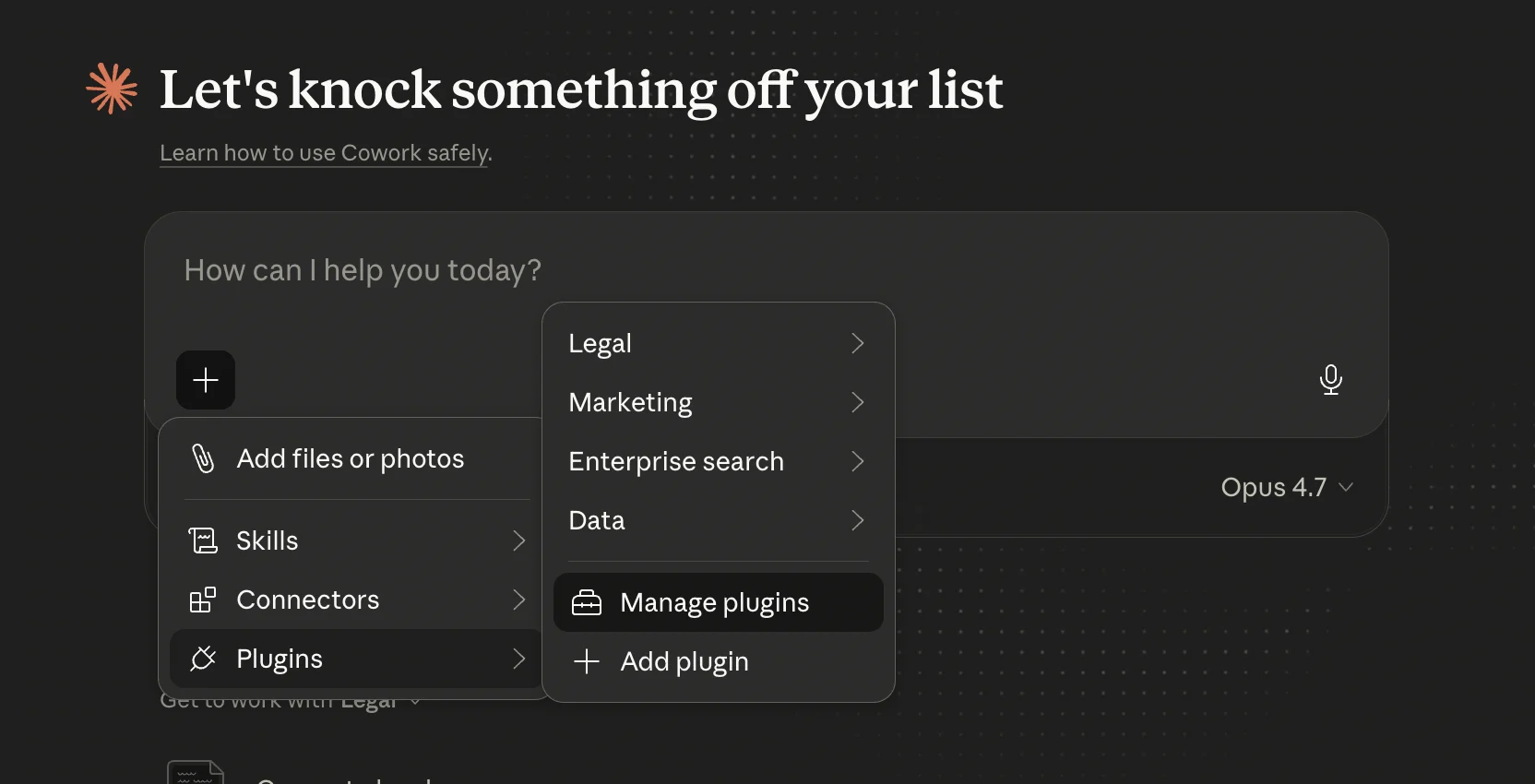
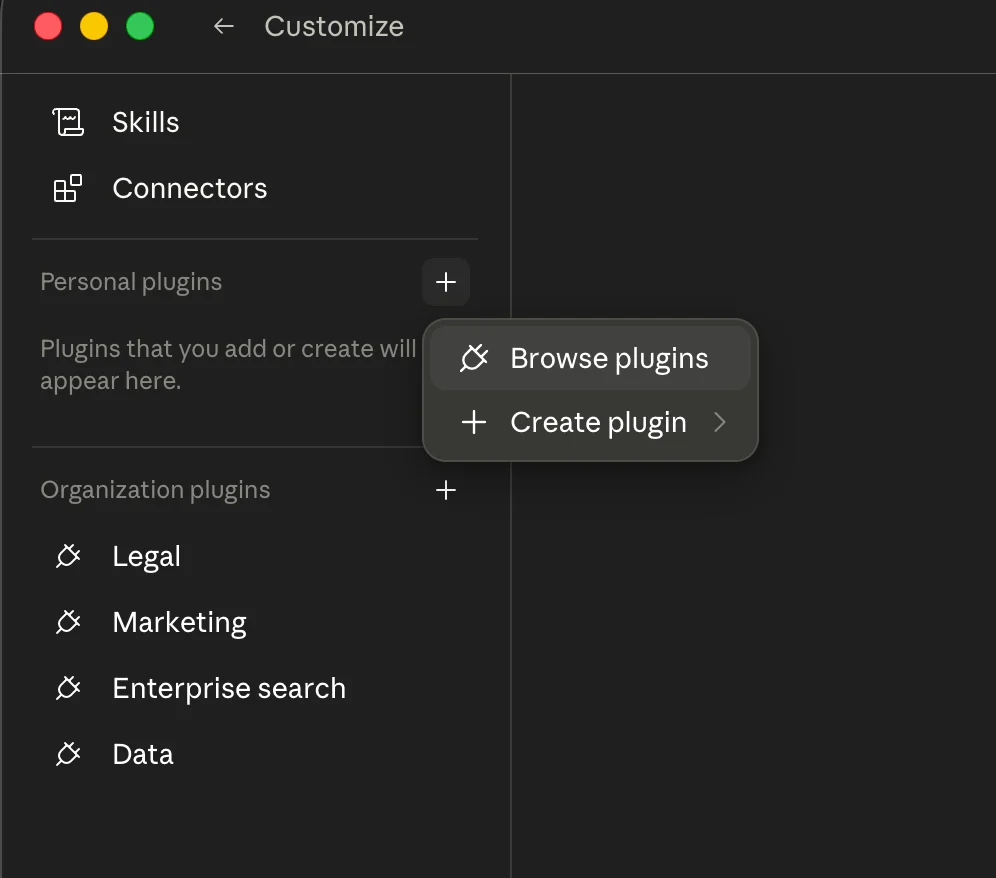
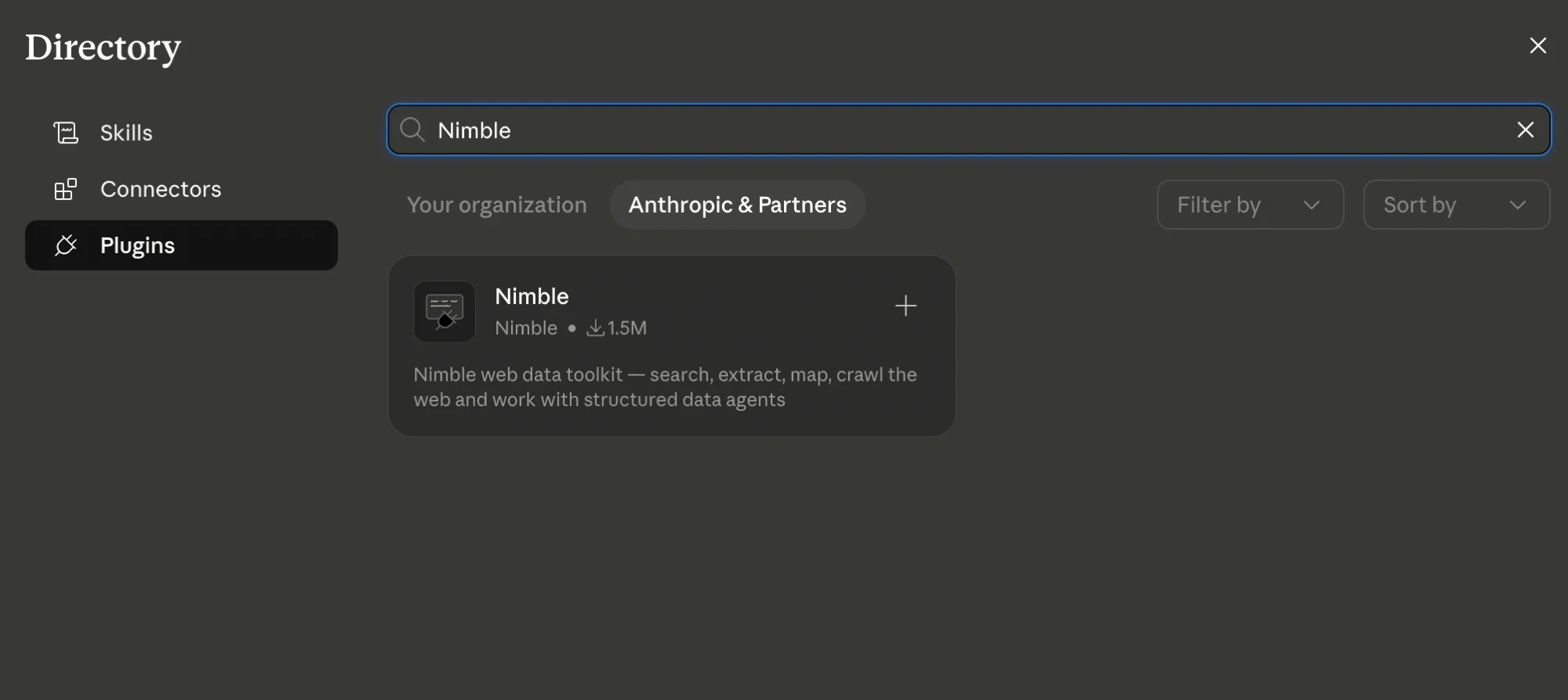
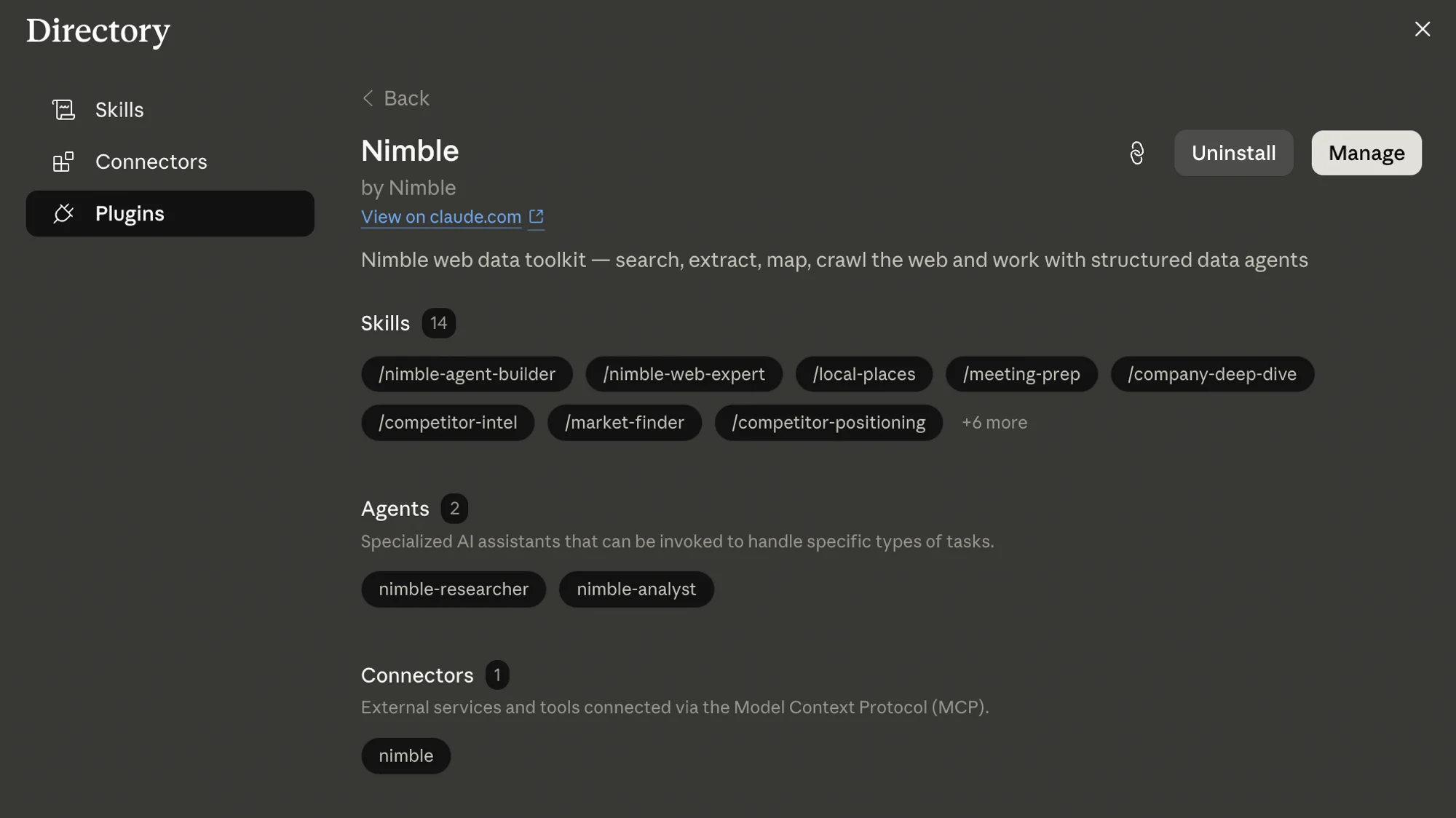
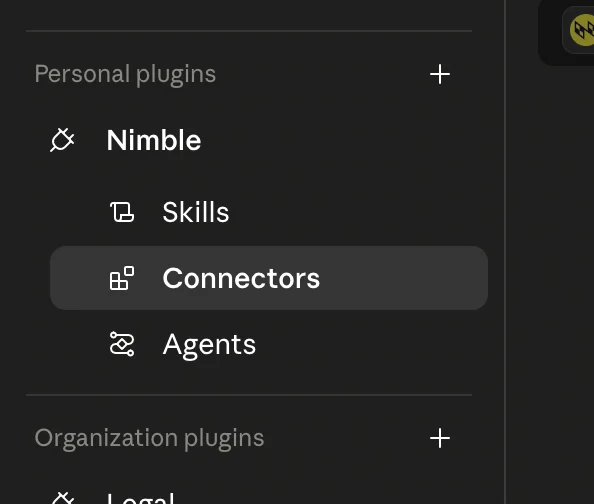
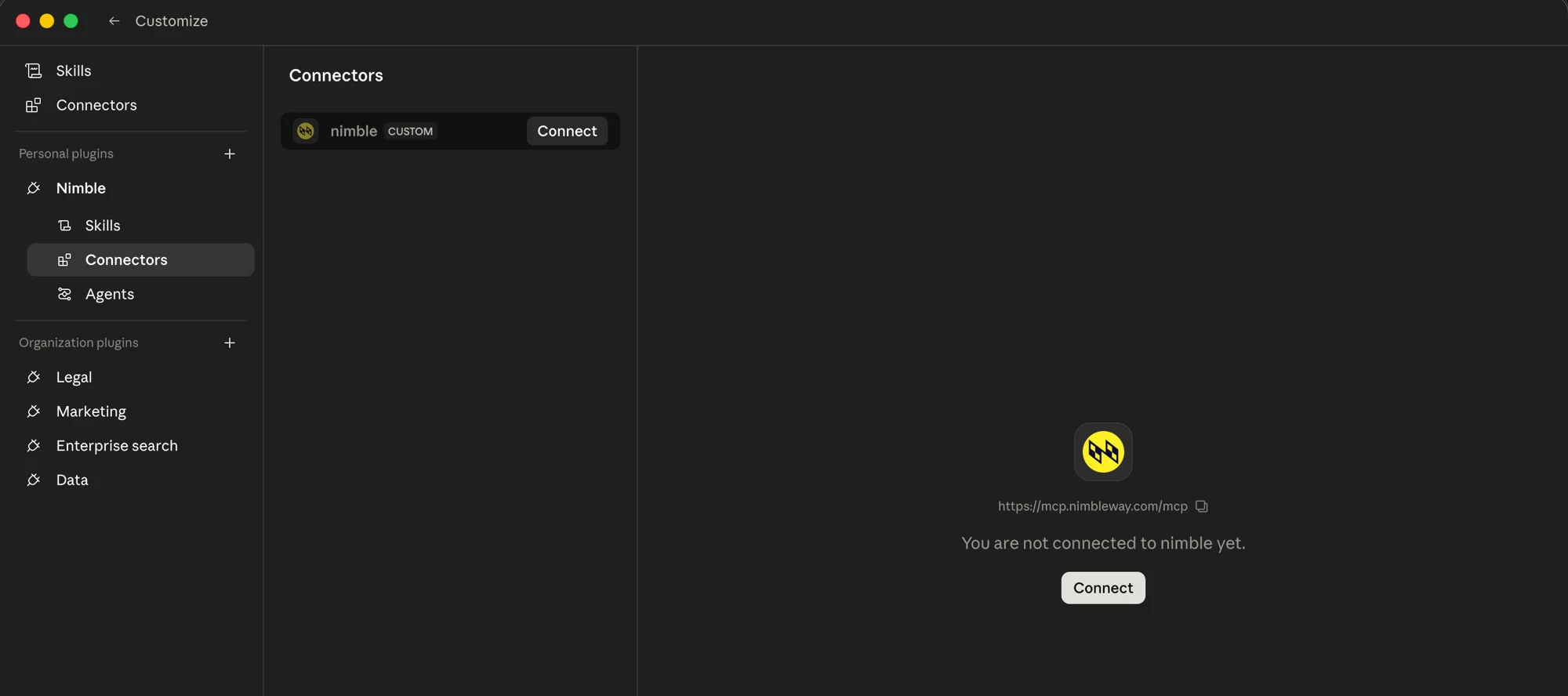
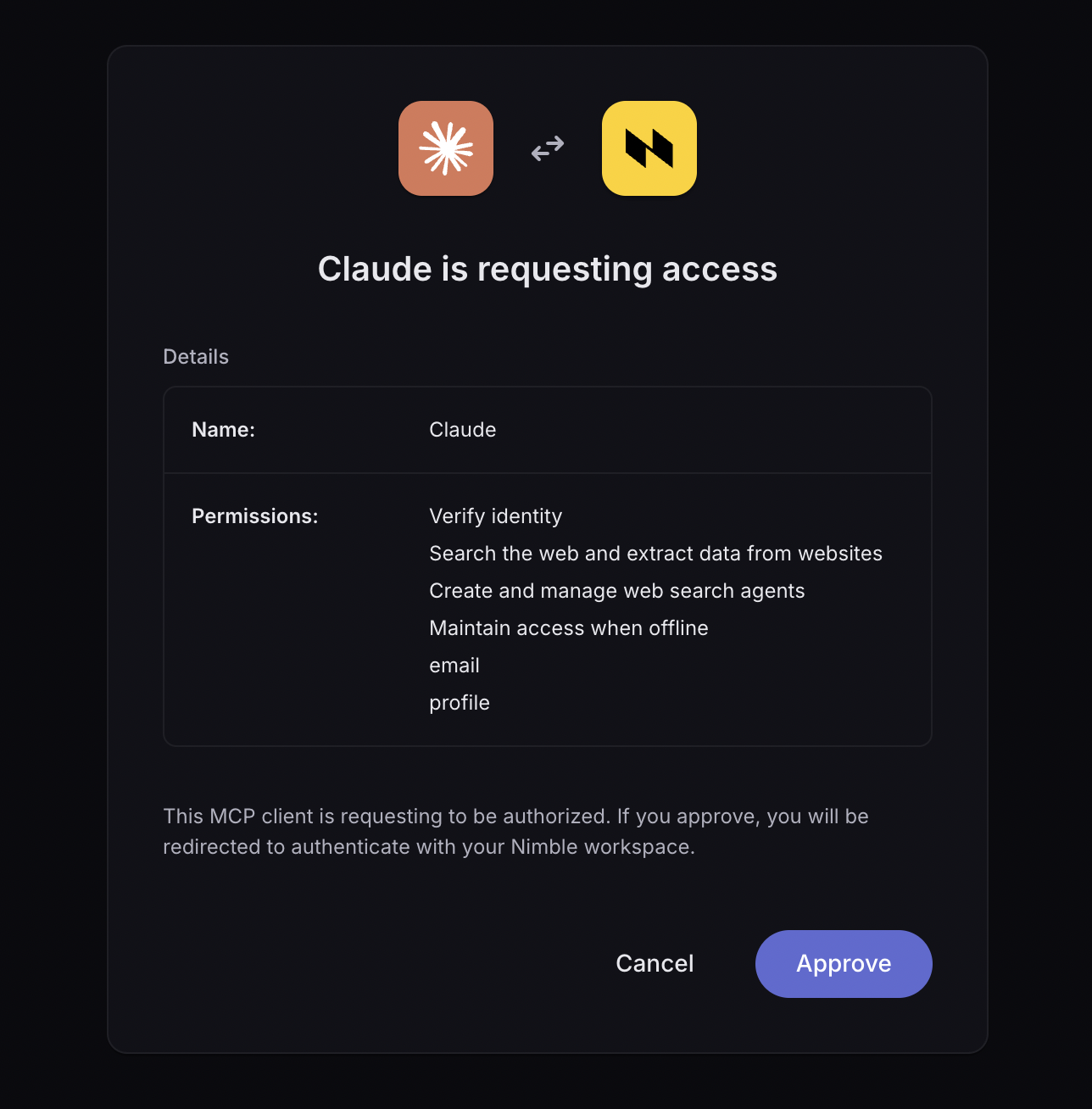
- Claude Cowork
- Cursor
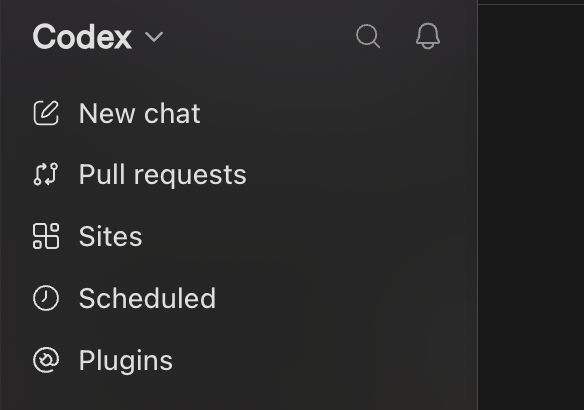
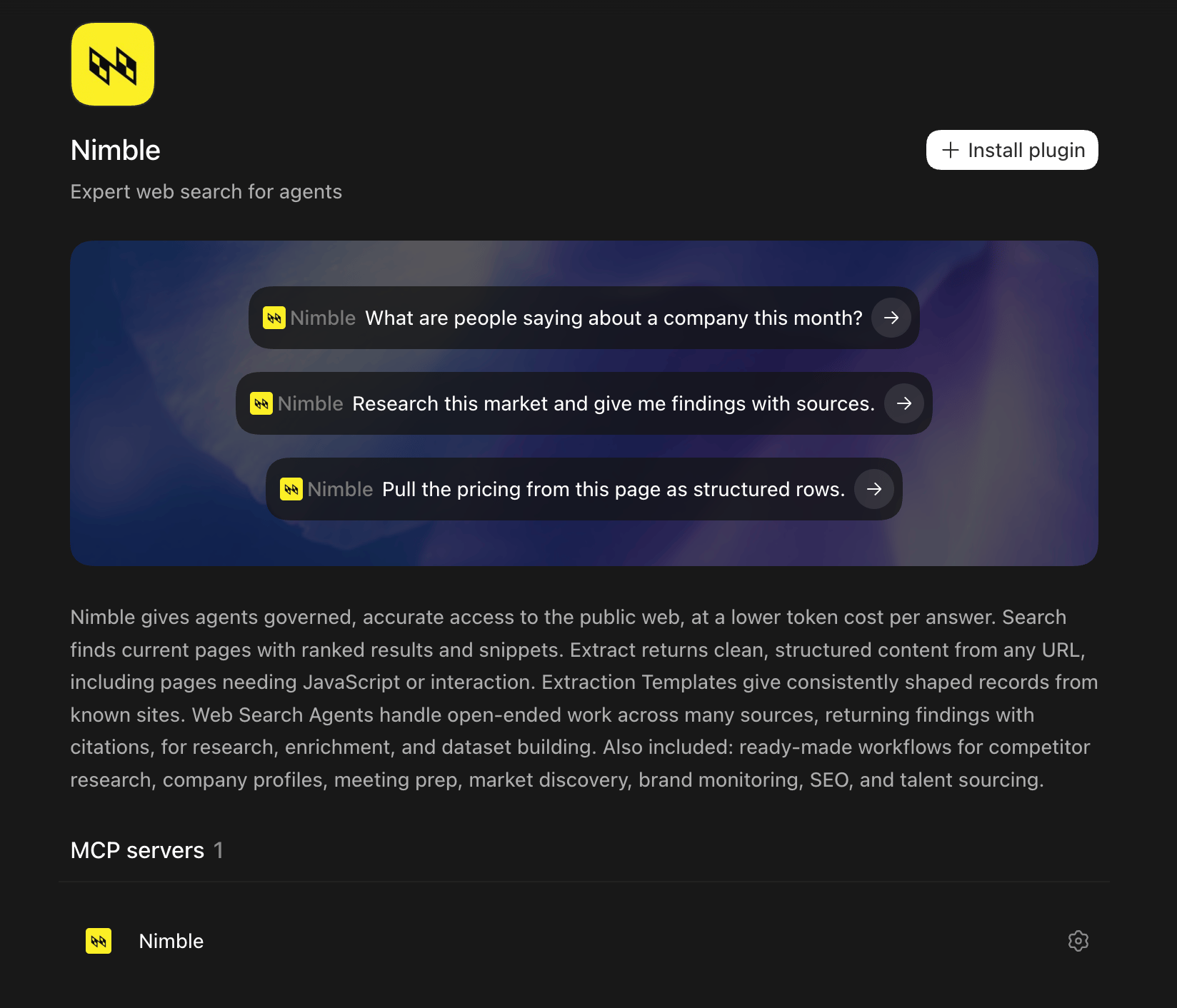
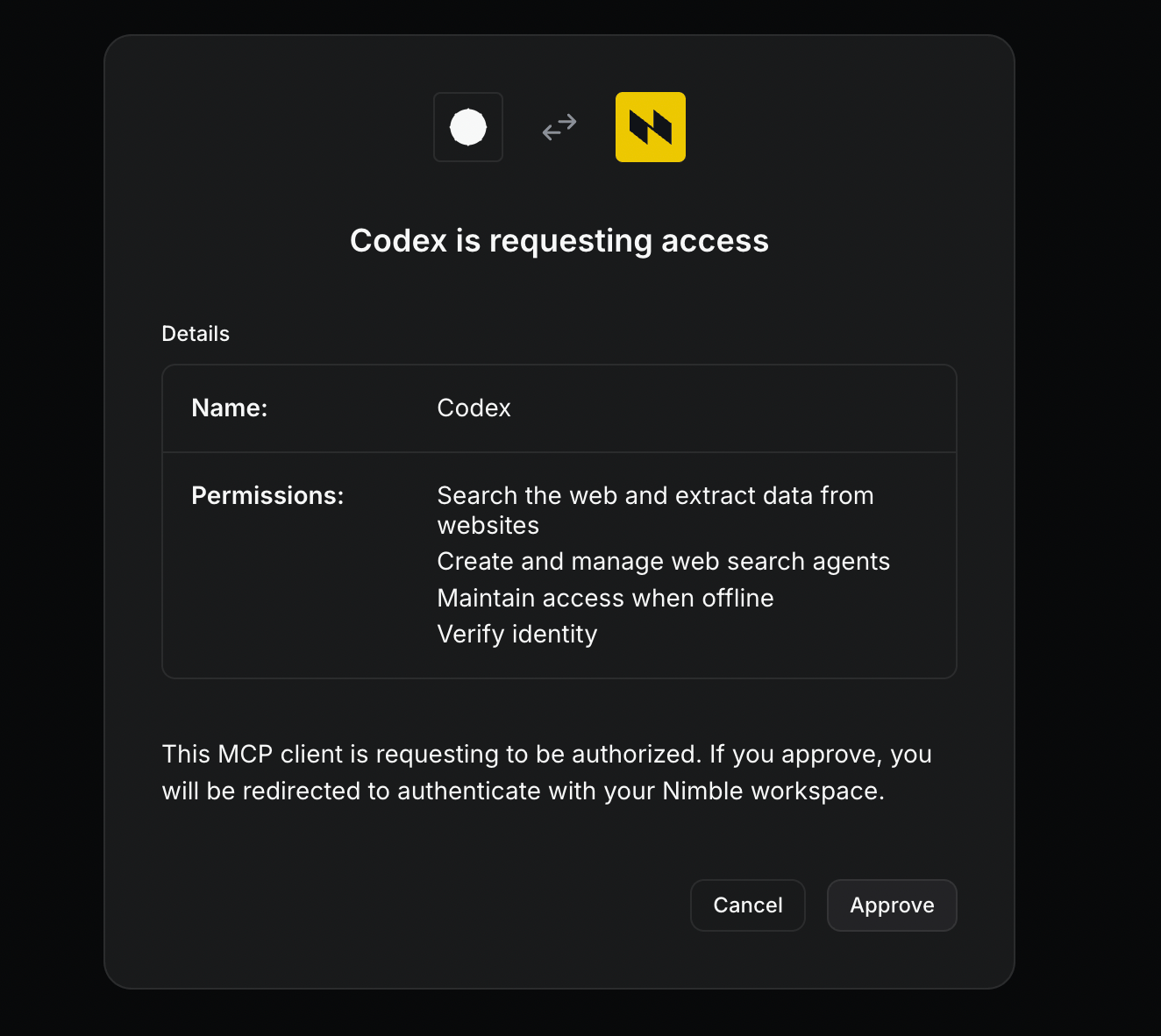
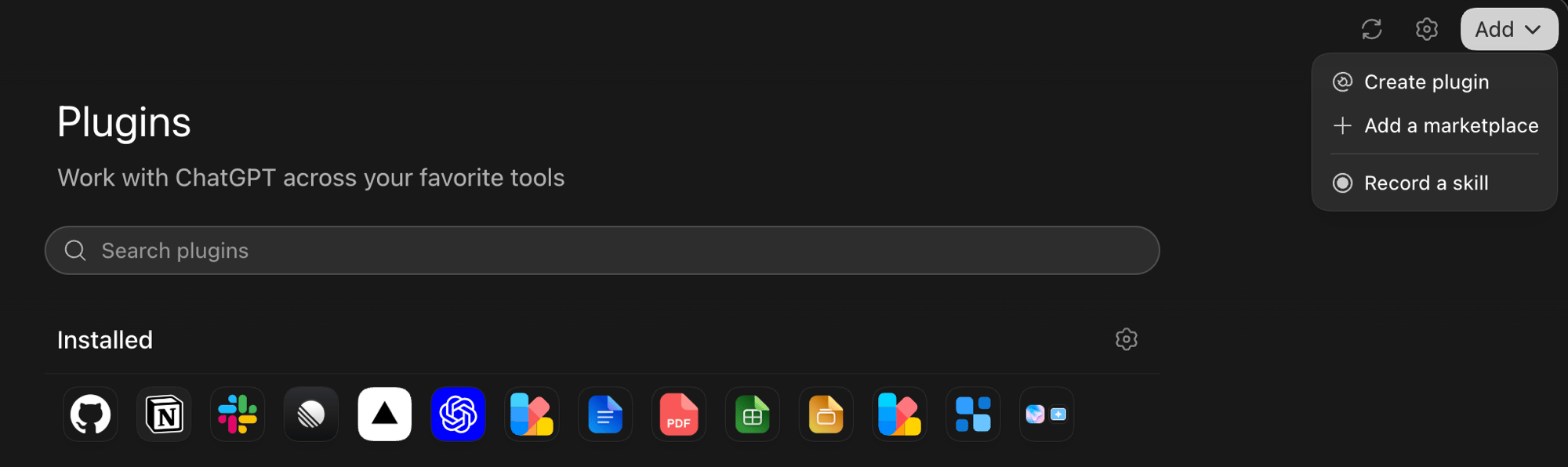
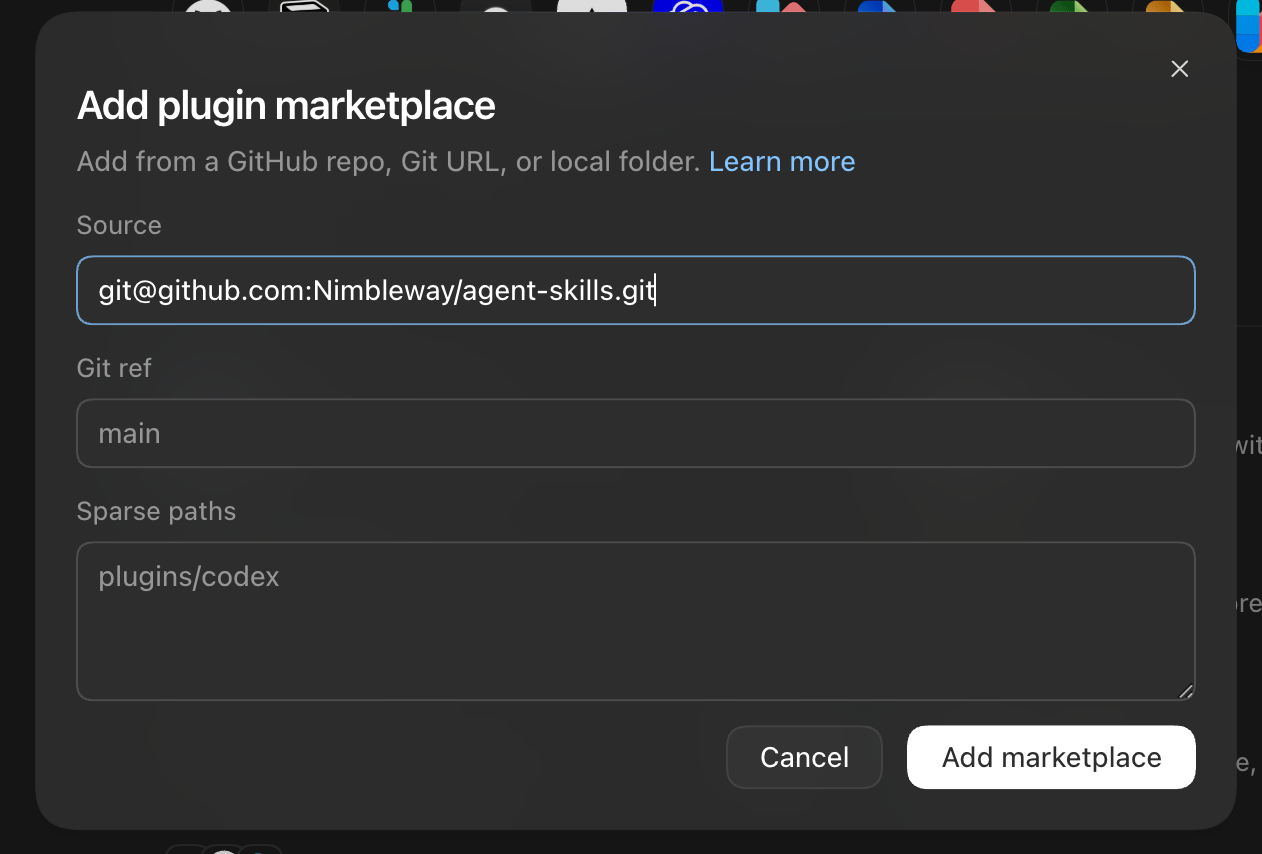
- Codex
- Cortex Code
- Vercel CLI
1
Run this command in your terminal
Installs the Nimble skills and configures the MCP server.
2
Verify installation
Run
/mcp and confirm nimble appears in your connected servers.Alternative: local plugin directory
Clone the repo and load it as a local plugin:


What’s Next
Build Your First Agent
End-to-end tutorial: competitive price analysis across Amazon, Walmart, and
Nike, from a single prompt
Ask Nimble
Prefer a visual interface? Create agents in the browser
Talk to Sales
Need enterprise scale or managed delivery?
Source Code
View the full plugin source on GitHub