

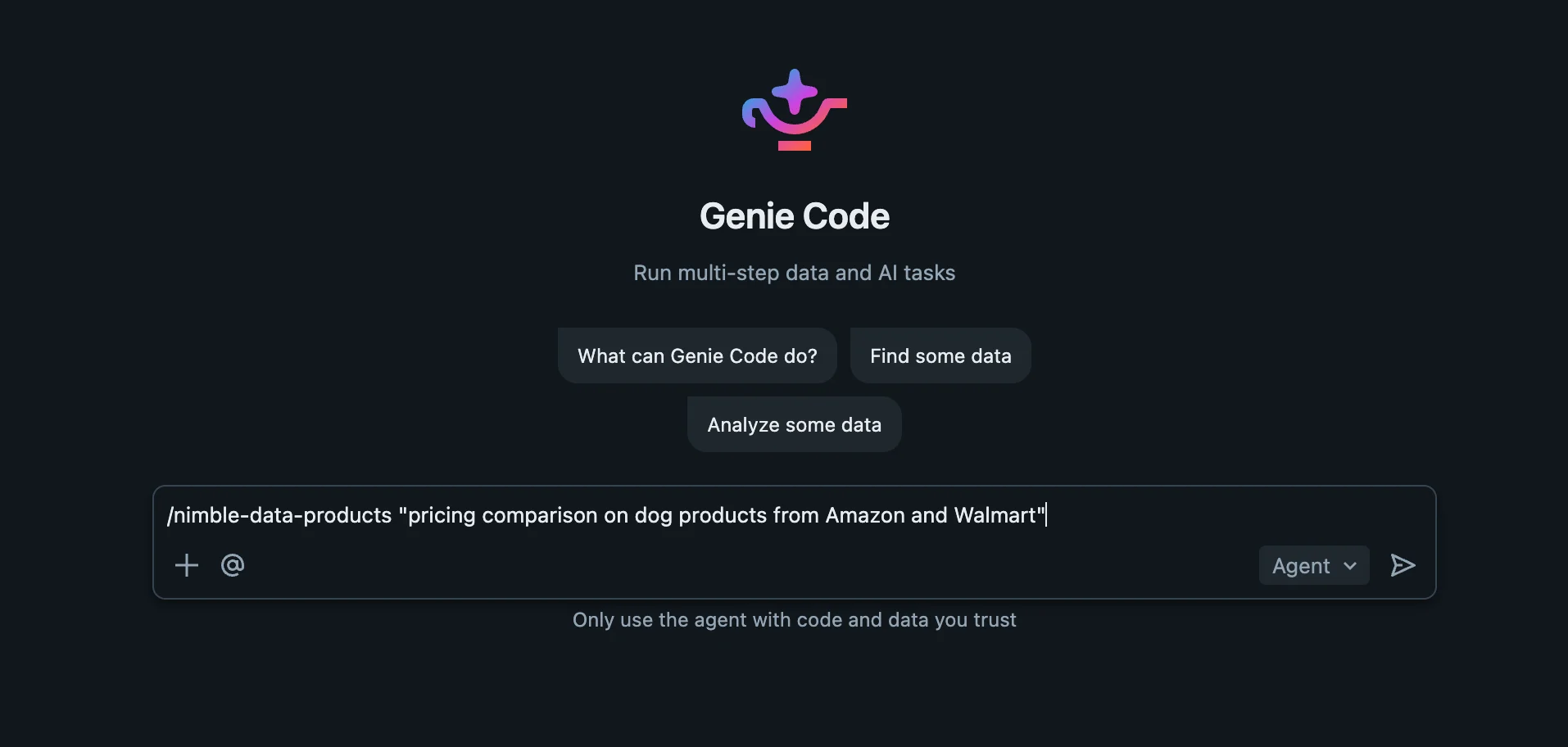
Kicking off the Nimble skill in Genie Code — a one-line brief becomes a full data product
What you get
- A brief becomes a data product. “Pricing comparison on dog products from Amazon and Walmart” → a governed Delta table, an AI/BI dashboard, and optionally a deployed app.
- Native execution, nothing extra to install. The skill runs as inline SQL over the Nimble Unity Catalog table functions, and hands dashboards and apps to Genie Code’s own dashboard agent and AppsAgent. No external tooling.
- Discovery, not guesswork. It reads the live Extract Template catalog at runtime (
nimble_agent_list,nimble_agent_describe) and probes one call per source before fanning out — so it uses each template’s real parameters and fields. Despite thenimble_agent_*names, these functions operate on Extract Templates, not Web Search Agents. - Set-based ingestion. A control table plus one correlated
LATERAL nimble_agent_runINSERT loads every source in parallel and lands a unified, normalized Delta table — reproducible and expandable. - The “never leave Databricks” story, end to end. From a sentence to a published dashboard, all inside Genie Code.
Prerequisites
- The Nimble × Databricks integration installed — the
nimble_integration.tools.*table functions. See Data Enrichment for setup. The skill’s first step verifies they exist and stops with guidance if not. - Genie Code in Agent mode — custom skills load only in Agent mode.
Install the skill
Genie Code loads skills from a.assistant/skills/ directory. Copy the Nimble skill folder there — keep the folder name nimble-search.
- User skill (just you; the prototype path):
/Users/{username}/.assistant/skills/ - Workspace skill (org-wide; admins):
Workspace/.assistant/skills/
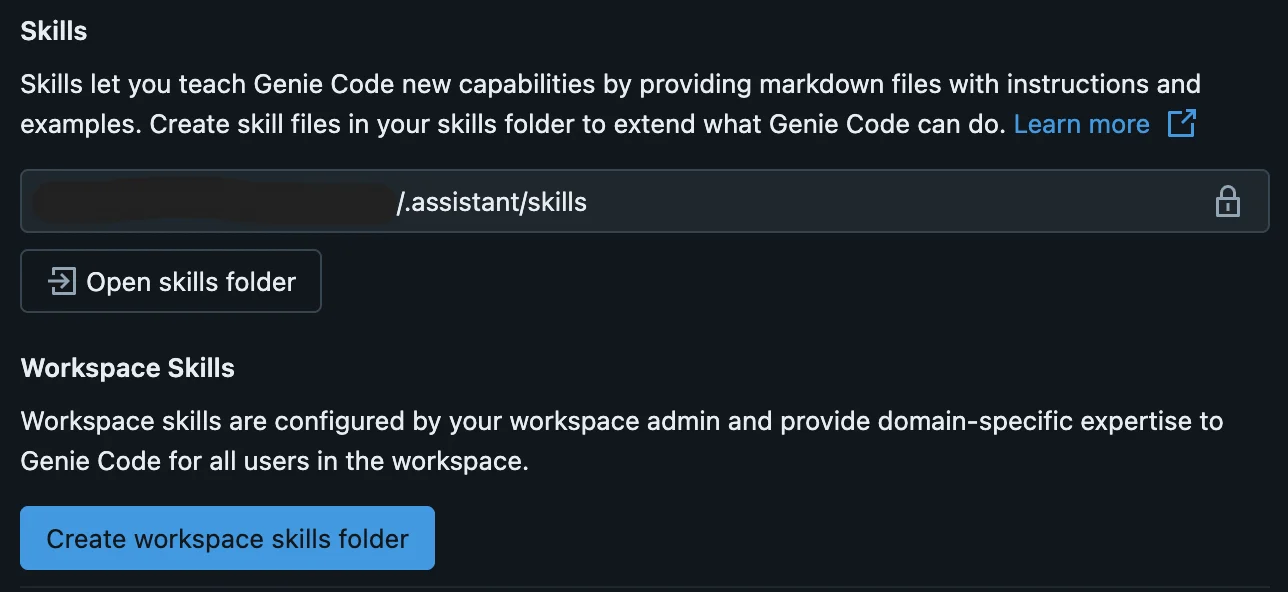
Genie Code settings → Skills — your User skills folder (Open skills folder) and the org-wide Workspace skills folder
cookbook/databricks/genie-code-skills
The
nimble-search skill (SKILL.md + references) and full install instructionsAsk in plain English
In a Genie Code Agent-mode chat, describe the goal — the skill auto-loads by its description (or@-mention it):
pricing comparison on dog products from Amazon and Walmartextract Zillow listings for Austin into a Delta table and build a dashboardshow competitor prices from the web in a dashboard
How it works
- Discover —
nimble_agent_list()finds the Extract Templates matching your sources;nimble_agent_describe()reads each one’s exact input parameters. - Probe — one
nimble_agent_runcall per source confirms the real output fields and localization before fanning out. - Ingest — a control table drives a single correlated
LATERAL nimble_agent_runINSERT that loads every source in parallel into one unified, normalized Delta table. - Build — Genie Code’s native dashboard agent assembles an AI/BI dashboard from the table; its AppsAgent can deploy an app (Python frameworks by default — Streamlit / Dash / Gradio — with React supported build-less).
- Deliver — the published dashboard and running app links.
Resources
cookbook/databricks/genie-code-skills
The Nimble Genie Code skill and install guide
Extend Genie Code with agent skills
Databricks’ guide to creating and installing custom Genie Code skills

Data Enrichment
The
nimble_integration.tools.* table functions this skill builds onNimble skills for Claude & Cursor
The same workflow as a published skill for other AI coding assistants