Prerequisites
1. Nimble CLI — Required by the nimble-web-tools skill:
npm install -g @nimble-way/nimble-cli
2. Nimble API Key — Get yours from Account Settings and set it as an environment variable:
export NIMBLE_API_KEY="your-api-key"
Or persist it in ~/.claude/settings.json for Claude Code:
{
"env": {
"NIMBLE_API_KEY": "your-api-key"
}
}
Installation
Claude Code
Cursor
Vercel Agent Skills CLI
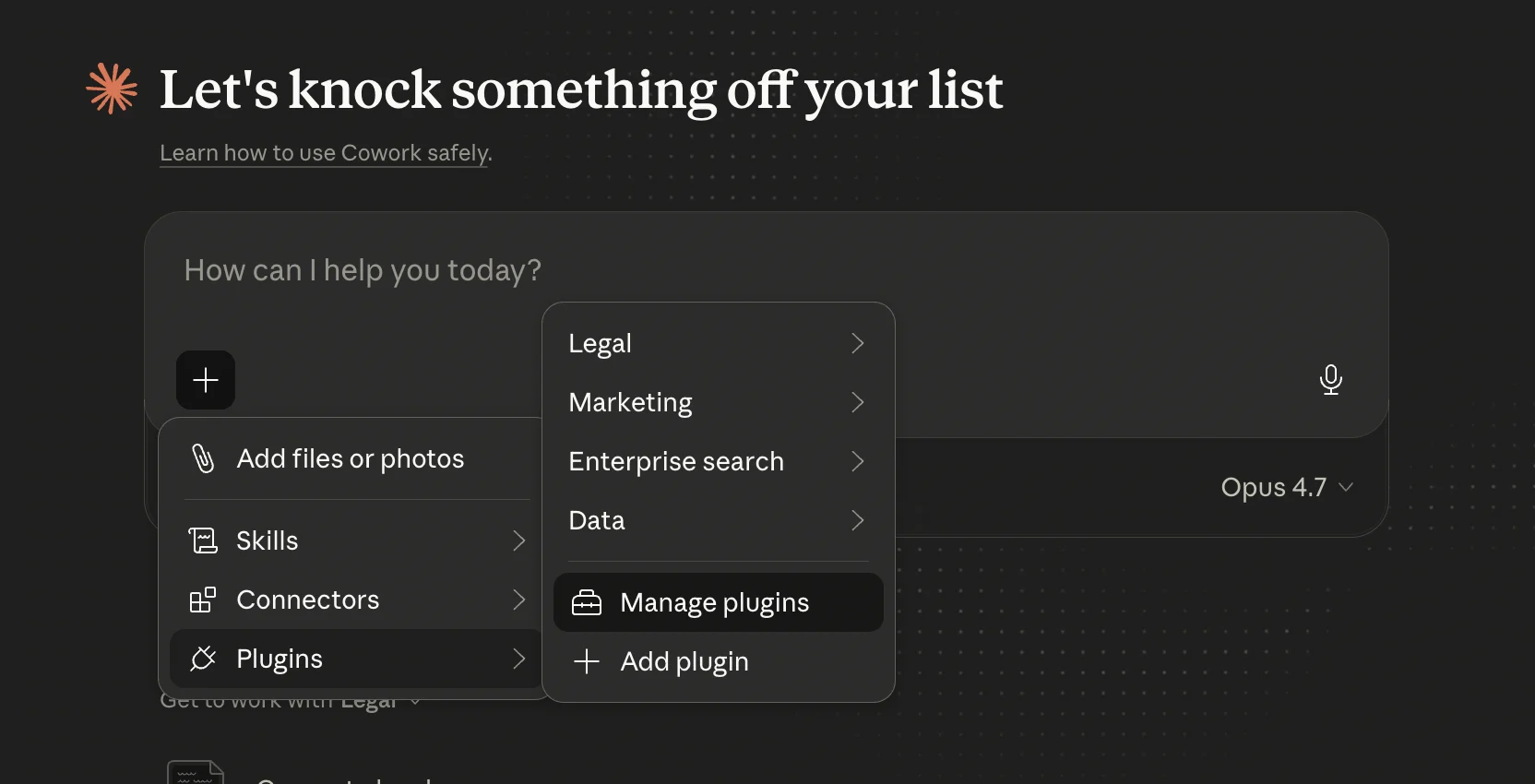
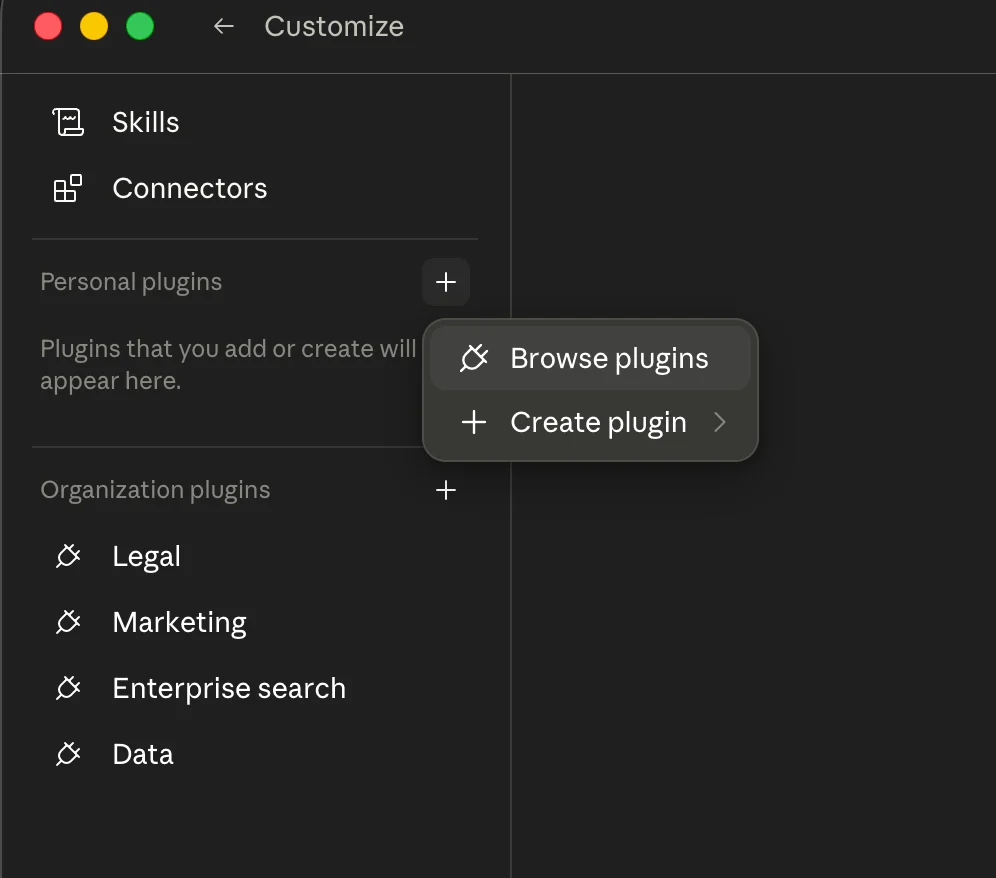
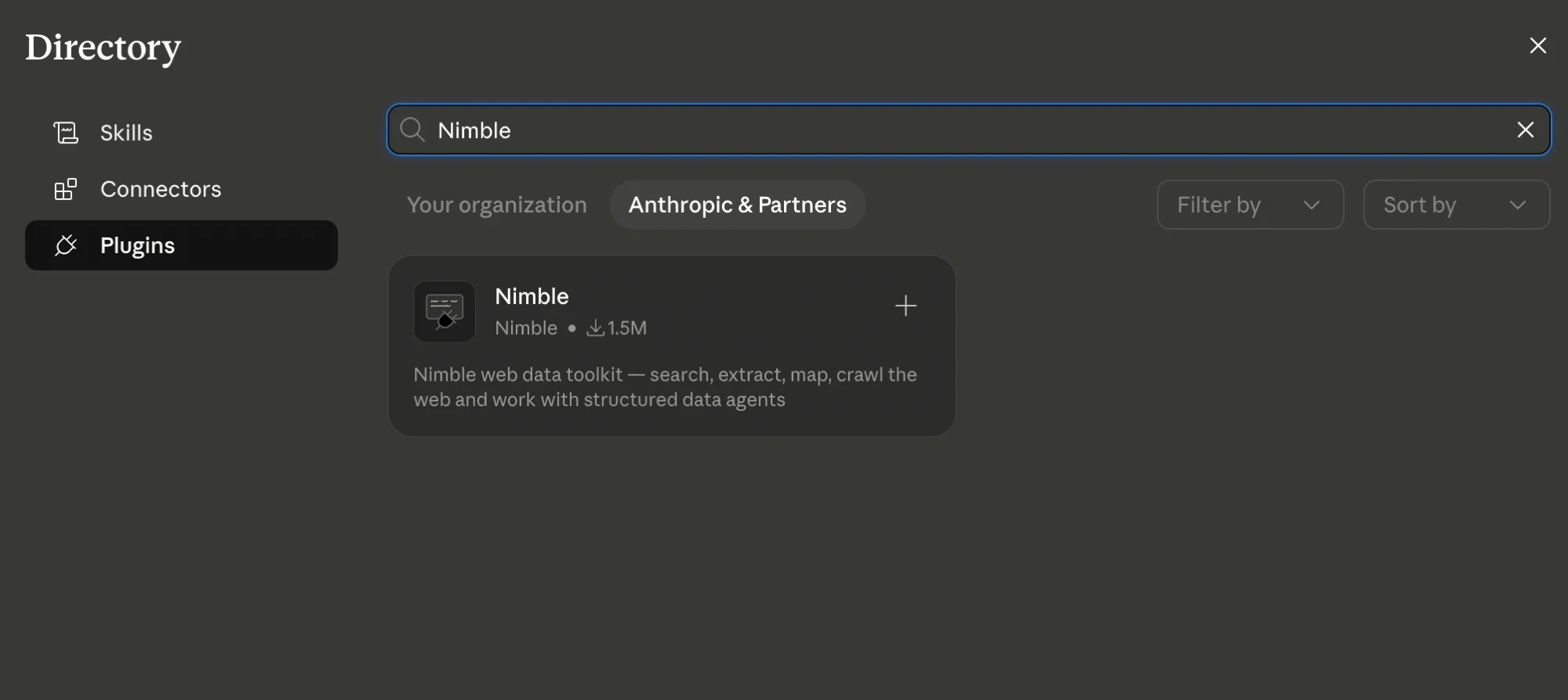
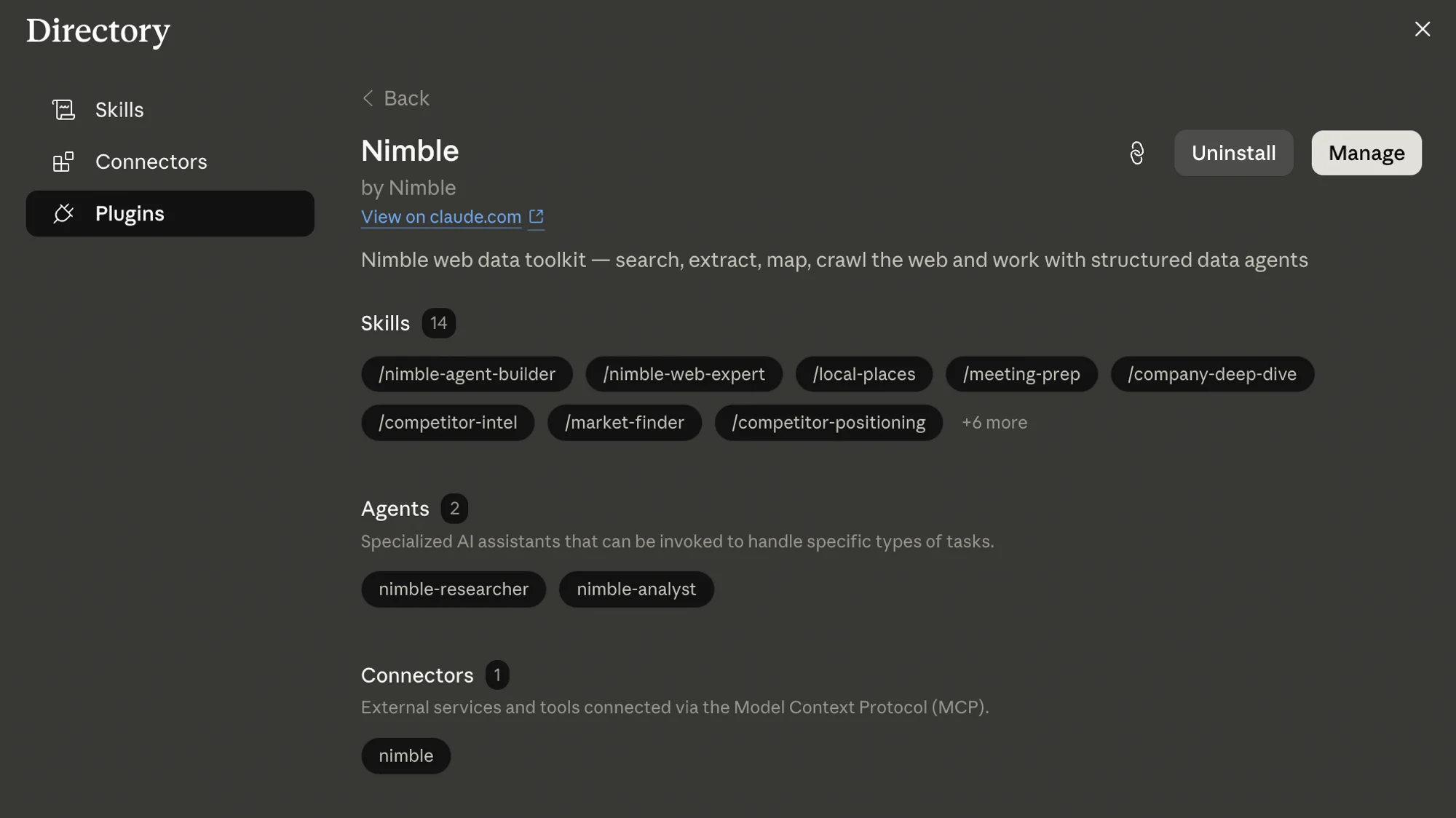
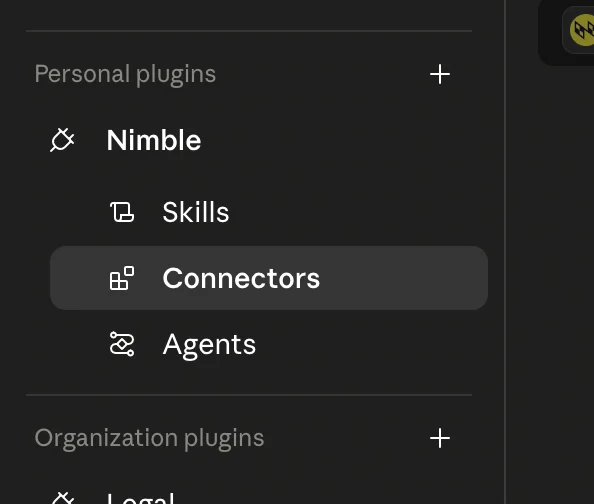
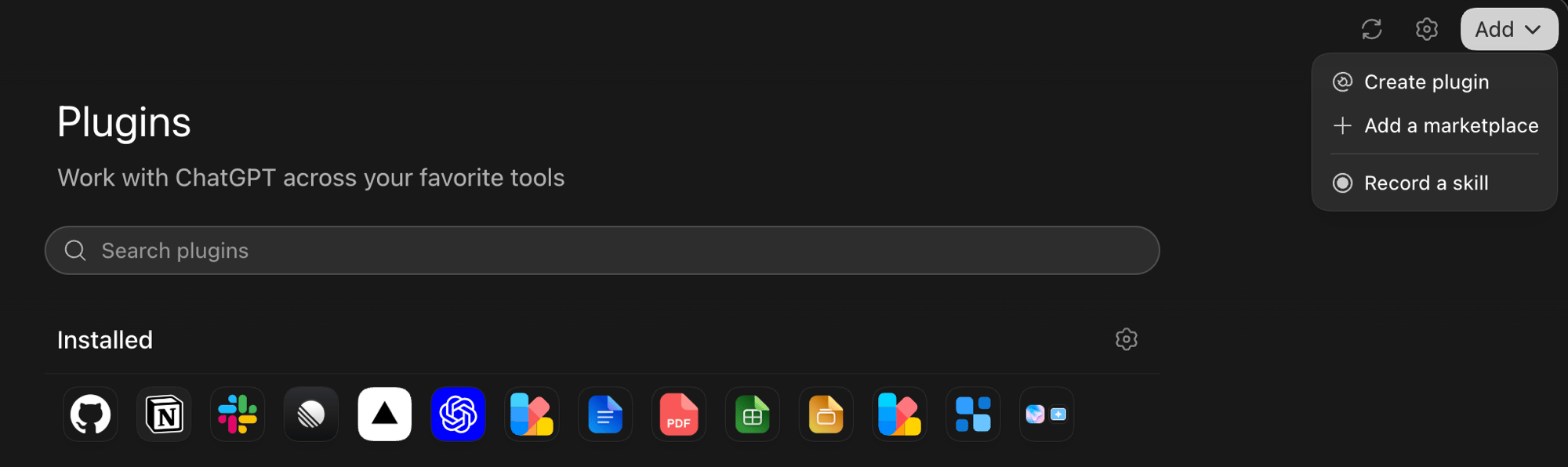
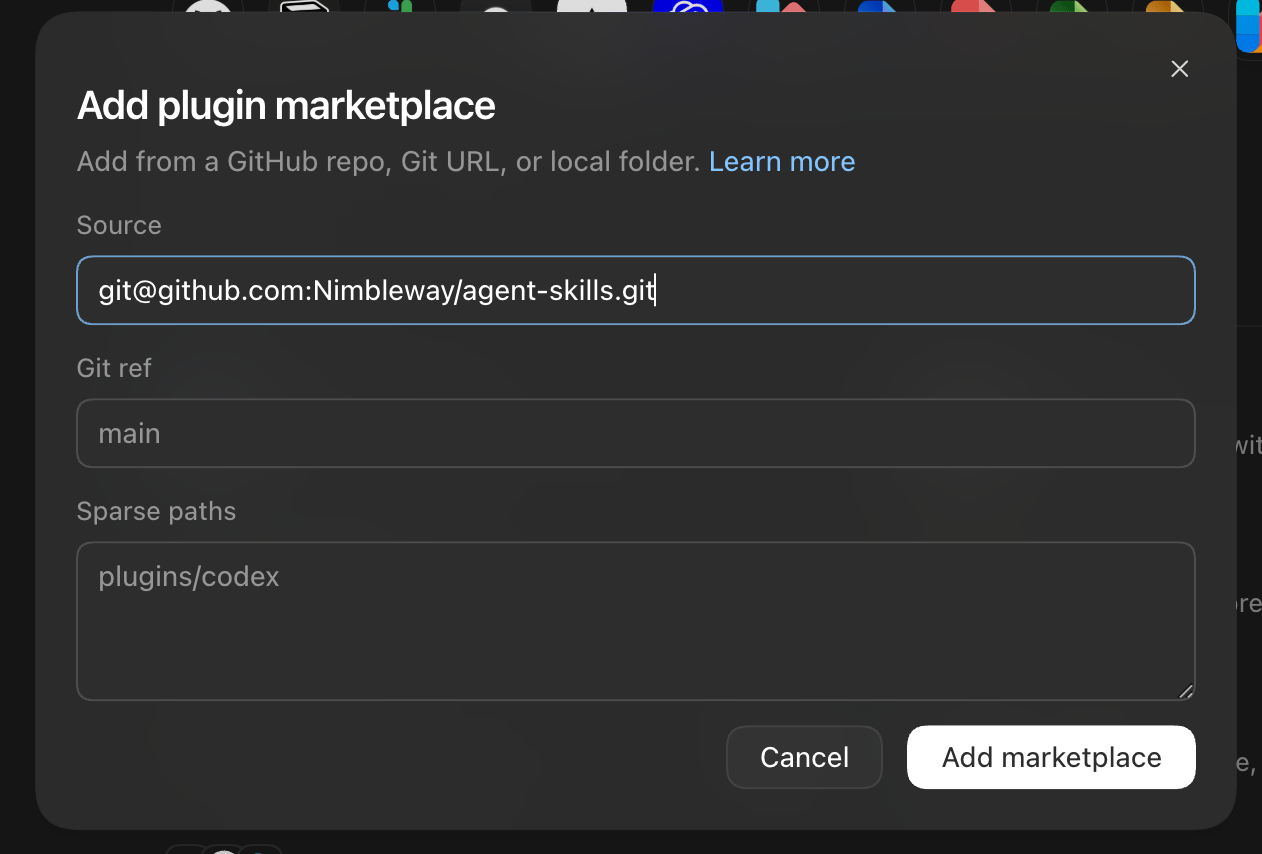
Install from the Nimble Marketplace — this adds both skills and configures the MCP server automatically:claude plugin marketplace add Nimbleway/agent-skills
claude plugin install nimble@nimble-plugin-marketplace
Or load directly from a local clone:git clone https://github.com/Nimbleway/agent-skills.git
claude --plugin-dir /path/to/agent-skills
Step 1: Add the Nimble MCP server to Cursor:
Replace NIMBLE_API_KEY in Cursor Settings > MCP Servers with your actual key.Step 2: Install skills and rules:npx skills add Nimbleway/agent-skills -a cursor
npx skills add Nimbleway/agent-skills
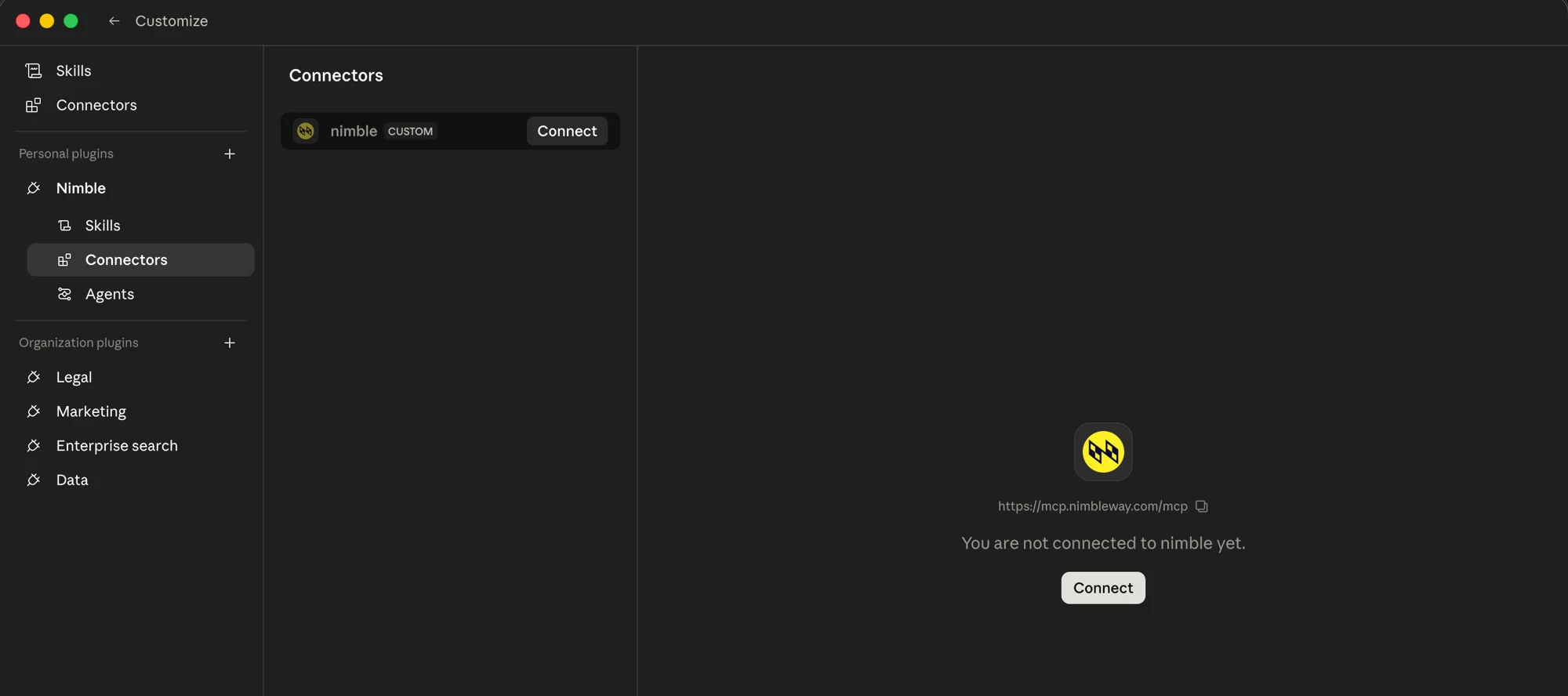
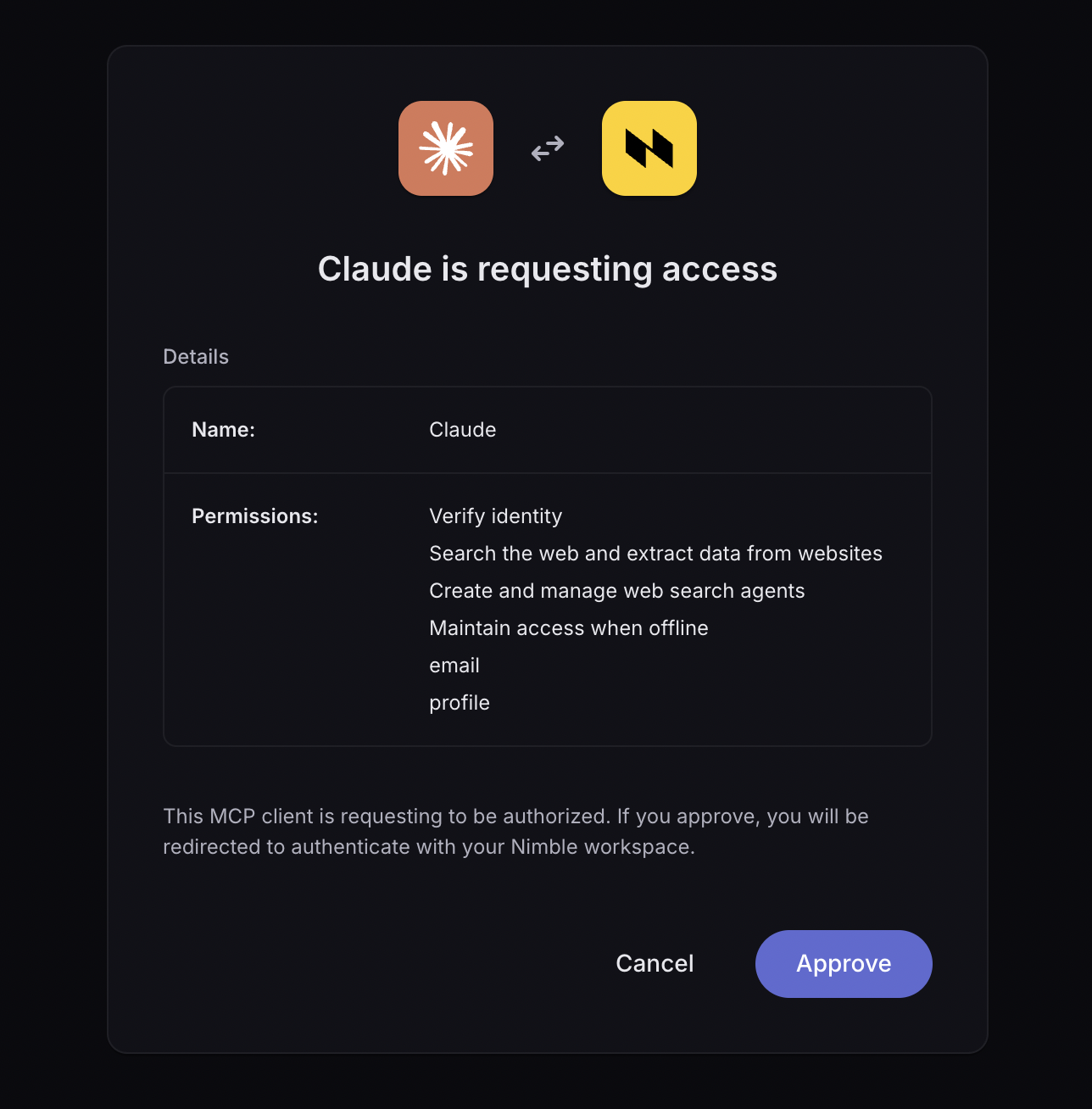
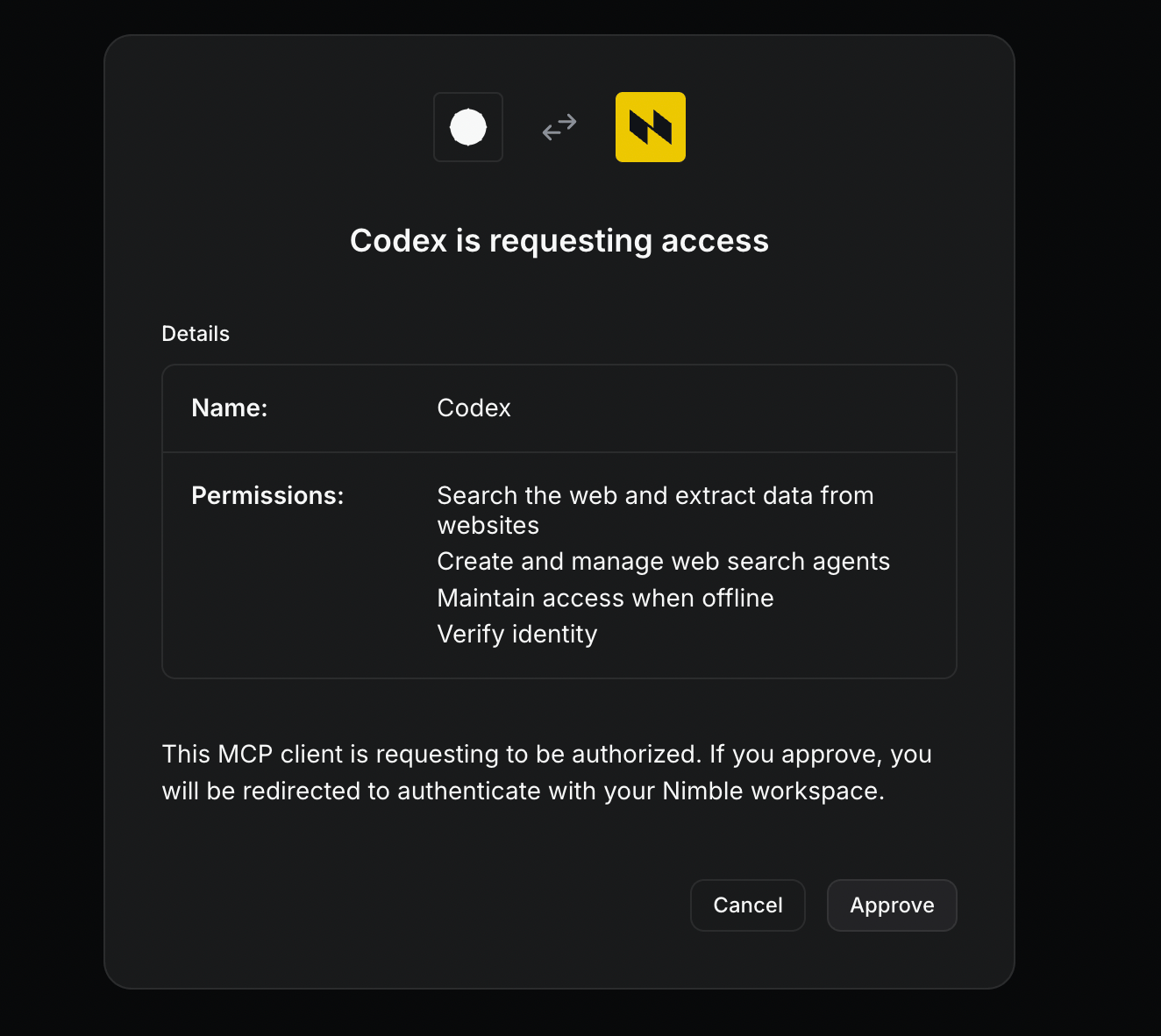
The nimble-agents skill requires the MCP server. Connect it manually after installing:claude mcp add --transport http nimble-mcp-server https://mcp.nimbleway.com/mcp \
--header "Authorization: Bearer ${NIMBLE_API_KEY}"
What’s Included
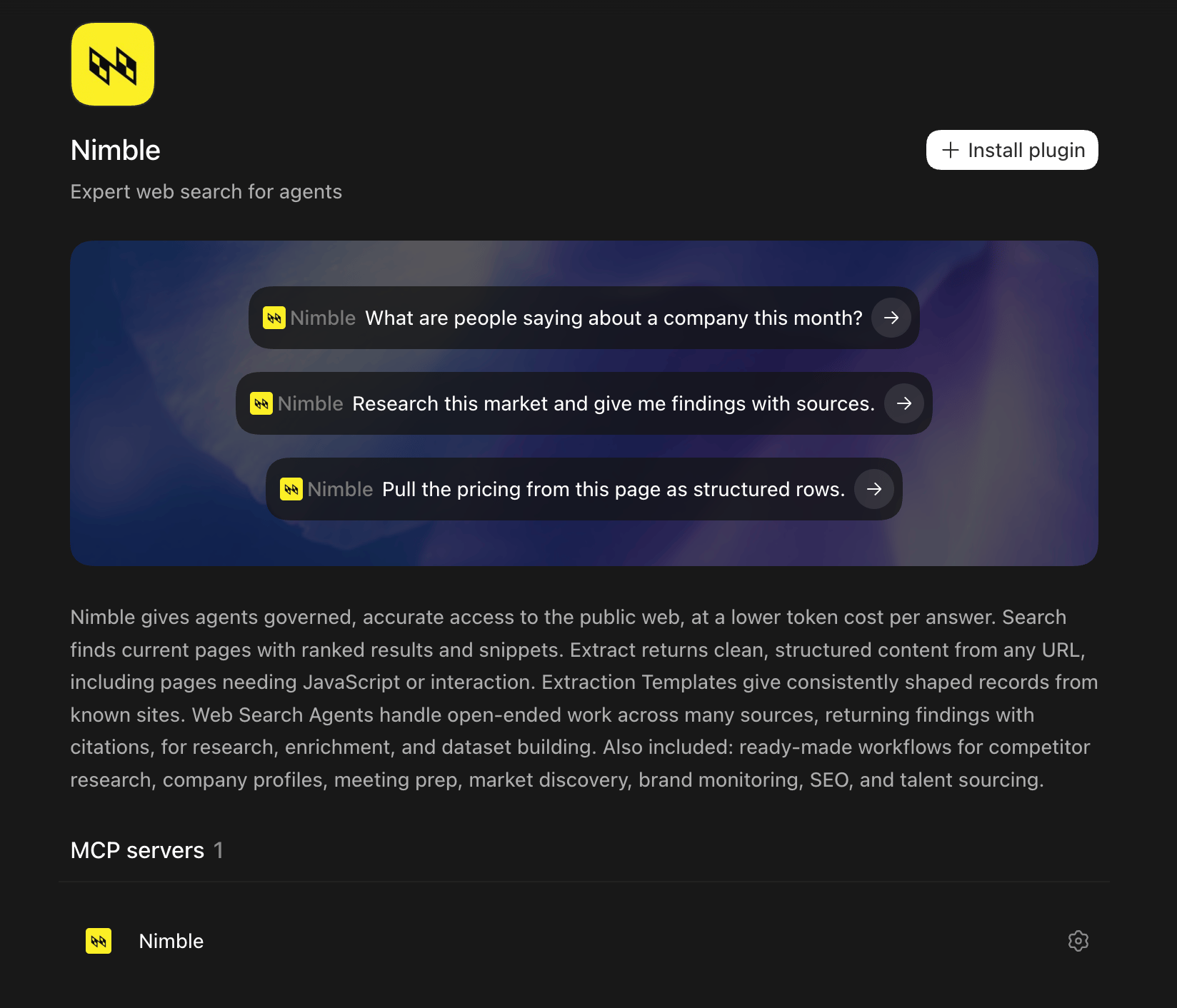
Agent Skills are plug-and-play extensions that give AI coding assistants direct access to Nimble’s web data tools. Install once and your AI can search the live web, extract pages, map sites, and run structured data agents — automatically, from natural language.
| Skill | Description |
|---|
| nimble-web-tools | Real-time web intelligence — search, extract, map, and crawl via the Nimble CLI |
| nimble-agents | Find, generate, and run agents to extract structured data from any website |
| MCP Server | Pre-configured Nimble MCP server connection for agent-to-API access |
The nimble-web-tools skill activates automatically when you ask your AI assistant to search the web, extract a page, map a site, or crawl for content.
What it can do
| Tool | What it does |
|---|
| Search | Real-time web search with 8 focus modes: general, coding, news, academic, shopping, social, geo, location |
| Extract | Get clean HTML or markdown from any URL — supports JS rendering and stealth unblocking |
| Map | Discover all URLs in a domain or sitemap — useful for planning extraction workflows |
| Crawl | Extract content from an entire website in one request |
Example prompts
"Search for recent AI developments"
→ nimble search --query "recent AI developments" --deep-search=false
"Extract the content from this URL"
→ nimble extract --url "https://example.com" --parse --format markdown
"Map all pages on this docs site"
→ nimble map --url "https://docs.example.com" --limit 100
"Crawl the API reference section"
→ nimble crawl run --url "https://docs.example.com/api" --limit 50
Search
# Fast search (always use --deep-search=false for speed)
nimble search --query "React hooks tutorial" --topic coding --deep-search=false
# Search with AI-generated answer
nimble search --query "what is WebAssembly" --include-answer --deep-search=false
# News with time filter
nimble search --query "AI developments" --topic news --time-range week --deep-search=false
# Filter to specific domains
nimble search --query "auth best practices" \
--include-domain github.com \
--include-domain stackoverflow.com \
--deep-search=false
Use --deep-search=false for fast responses (1–3s). The default deep mode
fetches full page content and is 5–10× slower — only needed for full-text
archiving.
# Standard extraction — always pass --parse --format markdown for LLM-readable output
nimble extract --url "https://example.com/article" --parse --format markdown
# With JavaScript rendering (for SPAs and dynamic pages)
nimble extract --url "https://example.com/app" --render --parse --format markdown
# With geo-targeting
nimble extract --url "https://example.com" --country US --city "New York" --parse --format markdown
Map
# Discover all URLs on a site
nimble map --url "https://docs.example.com" --limit 100
# Include subdomains
nimble map --url "https://example.com" --domain-filter subdomains
Crawl
# Crawl a site (always set --limit)
nimble crawl run --url "https://docs.example.com" --limit 50
# Filter to specific paths
nimble crawl run --url "https://example.com" \
--include-path "/docs" \
--include-path "/api" \
--limit 100
# Check crawl status
nimble crawl status --id "crawl-id"
For LLM-friendly output, prefer map + extract --parse --format markdown on
individual pages rather than crawl — crawl returns raw HTML which can be very
large.
nimble-agents Skill
The nimble-agents skill gives your AI assistant access to Nimble’s pre-built agent library. It uses a find-or-generate workflow: search for an existing agent, run it, and get structured data. If no agent fits, generate a custom one via natural language.
How it works
Search
Find an existing agent matching your target website using
nimble_agents_list
Inspect
Review the agent’s input/output schema with nimble_agents_get
Run
Execute the agent and get clean, structured results via nimble_agents_run
Generate
If no existing agent fits, create a custom one with nimble_agents_generate
Publish
Save generated agents for future reuse with nimble_agents_publish
Usage
Use the slash command:/nimble:nimble-agents extract product details from this Amazon page: https://www.amazon.com/dp/B0DGHRT7PS
Or just describe what you need in plain language — the skill activates automatically when relevant. Reference the skill in Cursor Agent chat:/nimble-agents extract product details from this Amazon page: https://www.amazon.com/dp/B0DGHRT7PS
| Tool | Purpose |
|---|
nimble_agents_list | Browse agents by keyword |
nimble_agents_get | Get agent details and input/output schema |
nimble_agents_generate | Create a custom agent via natural language |
nimble_agents_run | Execute an agent and get structured results |
nimble_agents_publish | Save a generated agent for reuse |
Source Code